This information is for educational purposes. Keyboard work involves small parts, soldering irons, and electronics — work in a ventilated space when soldering, unplug boards before opening them, and modding a board may void its warranty. When in doubt, check the manufacturer's documentation first.
North facing switches are switches installed on a PCB where the LED slot sits at the top of the housing, nearest the screen, and the reason builders care is interference: north-facing sockets can cause the most popular keycap profile in the hobby — Cherry profile — to collide with the switch housing before the key reaches full travel. It is a layout quirk that affects feel, not a defect, and whether it matters to you depends entirely on which keycaps you run.
I have built boards both ways and swapped Cherry-profile caps between them specifically to feel the difference, because north-facing interference is one of those topics that sounds alarming online and turns out to be subtle in person. This is the build-honest breakdown: what north-facing actually means, when the interference is real, and whether it should change anything about how you buy a board or keycaps.
What Does North Facing Mean?
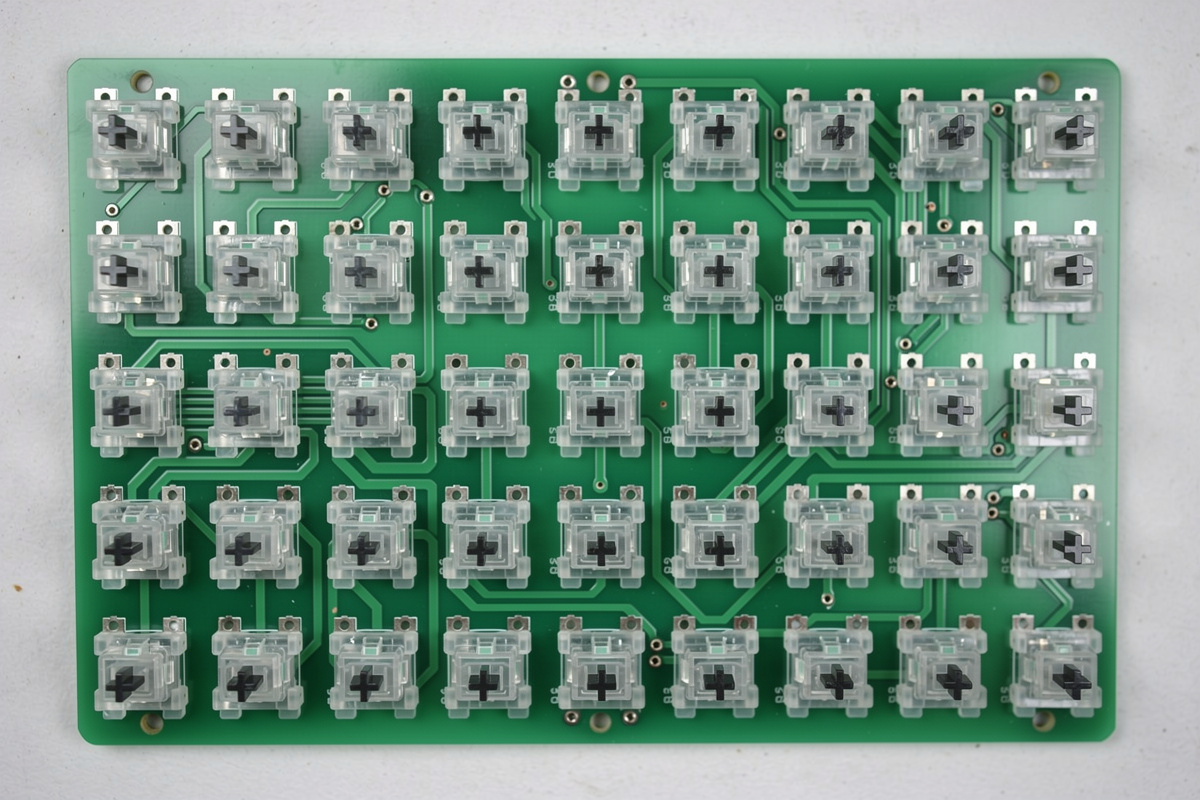
North facing describes the orientation of the switch on the PCB: the small rectangular LED slot in the switch housing points “north,” toward the top of the board and the monitor, rather than “south,” toward you. It is determined by how the PCB is designed, not by the switch itself — the same switch is north or south facing depending on which way the board’s sockets are laid out. Most enthusiast hotswap boards are south-facing for exactly the reason this article exists.
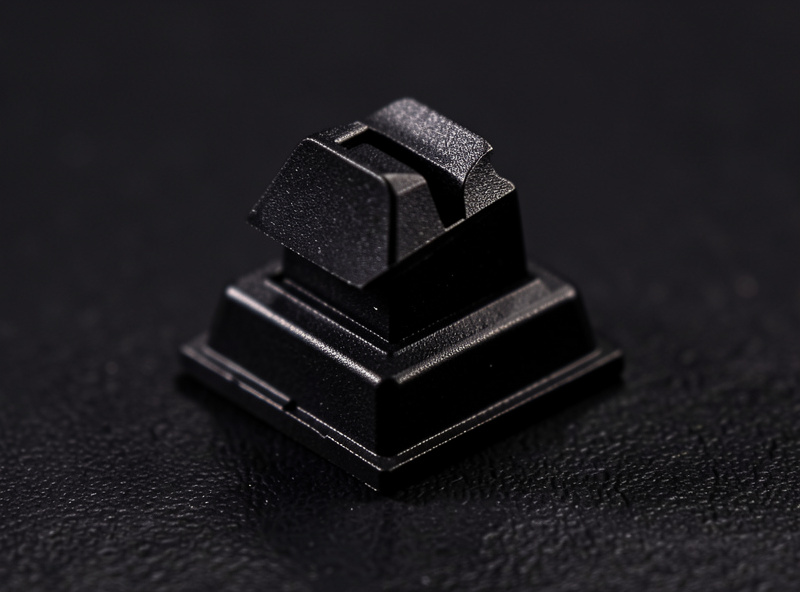
The compass metaphor trips people up, so here is the plain version: look down at your keyboard, and if the clear LED window on each switch is at the far edge away from you, the board is north-facing. On my bench the quickest check is to pull a keycap and look — the housing slot location tells you immediately. Switch brand has nothing to do with it; a Gateron linear is north or south facing purely based on the board you put it in.
Why Does North Facing Cause Interference?
North facing causes interference because Cherry-profile keycaps have a longer internal skirt on the side that, in a north-facing layout, sits over the taller part of the switch housing — so the keycap can bottom out against the housing before the switch reaches full travel. The result is a shortened, sometimes slightly notchy keystroke on the affected keys, most noticeable on the bottom rows. South-facing layouts move the tall housing away from the keycap’s long skirt, avoiding the collision.
When I swapped a set of Cherry-profile PBT caps from a south-facing board onto a north-facing one, the affected keys felt very slightly shorter and the bottom-out gained a faint click of plastic-on-plastic that was not there before. It was real but minor — the kind of thing you notice if you are looking for it and might never register if you are not. The interference is specific to taller keycap profiles with long skirts; lower-profile or shorter-skirt caps often clear the housing fine even on north-facing boards.
If you want to test your own board for it, the trick I use is to press the same key slowly twice — once normally and once while gently tilting the cap toward the screen with a fingernail. On a board with real interference, that tilt lets the cap travel a hair further and the notch you felt at the bottom disappears, which tells you it was the skirt catching the housing rather than the switch itself. The keys most likely to show it are the ones with stock Cherry-profile caps in the lower rows, where the sculpt puts the tallest skirts. It is a five-minute check before you blame a switch or a stabilizer for a feel you do not like — interference and a badly tuned stabilizer can both produce a vaguely off bottom-out, and they are completely different fixes.
Does North Facing Actually Matter?
For most people running standard keycaps, north facing matters very little; for enthusiasts running Cherry-profile caps who are sensitive to a shortened, slightly notchy bottom-out, it can be a real annoyance. The interference does not stop the keyboard working — every key still registers — it only changes the feel on affected keys. Whether that subtle change bothers you is the entire question, and honestly most typists never notice it until someone points it out.
My honest verdict after building both: north-facing interference is over-weighted in online buying advice relative to how much it affects daily typing. It is genuinely worth knowing about, and if you are buying a board specifically to run Cherry-profile caps and you are picky about bottom-out feel, prefer south-facing. But it is far down the list of things that determine whether you enjoy a board, well below switch choice, mounting style, and stabilizer tuning. Do not let a forum scare you off an otherwise great board over a quirk you may never feel.
Is North Facing Better for RGB Lighting?
North facing is actually preferred for RGB and shine-through keycaps, which is the trade-off that keeps the orientation alive despite the interference concern. With the LED at the top of the housing nearest the screen, light shines up through the legends on shine-through keycaps more evenly and brightly, so RGB boards and gaming keyboards frequently choose north-facing for this reason.
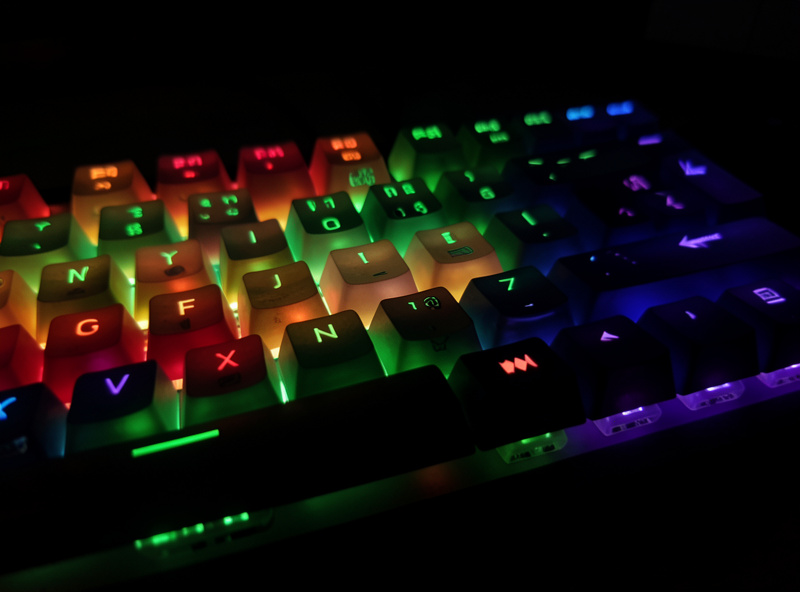
This is the part the “always buy south-facing” advice glosses over. If you run shine-through gaming keycaps and care about even RGB, north-facing genuinely lights better, and you probably are not running tall Cherry-profile caps anyway, so the interference may never affect you. The orientation debate is really a choice between two priorities: south-facing for the best Cherry-profile bottom-out feel, north-facing for the best shine-through lighting. Neither is universally correct — it depends on whether your priority is feel with a particular switch and cap combination or lighting on an RGB build. Know which camp you are in before you let orientation drive a buying decision.
How Do You Fix North Facing Interference?
The cleanest fix is to use keycaps that clear the housing — many keycap profiles and shorter-skirt sets do not interfere at all — or to choose a south-facing board in the first place. If you already own a north-facing board and feel the interference, switching keycap profiles solves it without touching the switches, and clipping or lightly filing the offending keycap skirt is a last-resort fix some builders use, though it is fiddly and risks the caps.
In practice I would not modify keycaps to chase this — it is far easier to either live with it or pair the north-facing board with keycaps that do not interfere. If you are buying a board and keycaps together and you know you want Cherry profile, the no-effort answer is to confirm the board is south-facing before you order. Most quality enthusiast boards already are, precisely because the community settled this debate years ago. The interference is a solved problem; you mostly just have to know to check the orientation before you buy rather than after. And if you are buying a hotswap board, orientation is doubly worth checking up front, because you cannot flip a socket — the only way to change a board from north to south facing is to desolder and reorient every switch, which is so much work that nobody sane does it to dodge a feel quirk this small.
As an Amazon Associate I earn from qualifying purchases.
Frequently Asked Questions
What is the difference between north and south facing switches?
North facing means the LED slot in the switch housing points toward the screen; south facing means it points toward you. It is set by the PCB layout, not the switch. South facing avoids interference with Cherry-profile keycaps, which is why most enthusiast boards use it.
Does north facing interference affect typing?
It can slightly shorten the keystroke and add a faint notchy bottom-out on affected keys with Cherry-profile keycaps, most noticeable on the bottom rows. Every key still registers normally. The change is subtle and many typists never notice it unless they are specifically looking for it.
Do all keycaps have north facing interference?
No. The interference mainly affects taller Cherry-profile keycaps with long internal skirts. Many other profiles and shorter-skirt keycap sets clear the switch housing fine even on north-facing boards, so the problem depends on which keycaps you run, not just the board orientation.
How do I know if my keyboard is north or south facing?
Pull a keycap and look at the switch housing. If the clear rectangular LED slot is on the far edge away from you, toward the screen, the board is north facing. If it faces toward you, it is south facing. Switch brand does not change this, only the PCB layout does.
Should I avoid north facing keyboards?
Not necessarily. North facing interference is over-weighted in buying advice and ranks well below switch choice, mounting and stabilizers for daily enjoyment. If you specifically want Cherry-profile caps and are picky about bottom-out feel, prefer south facing, but otherwise it rarely matters.