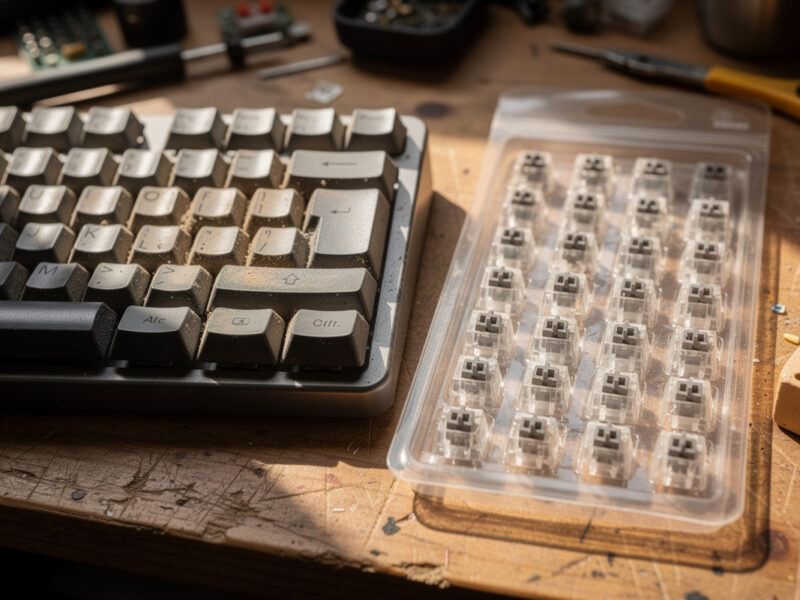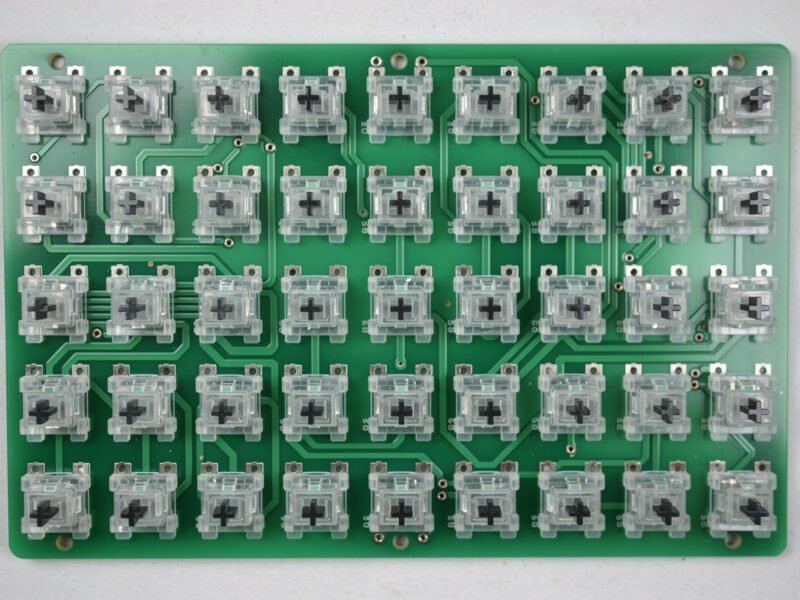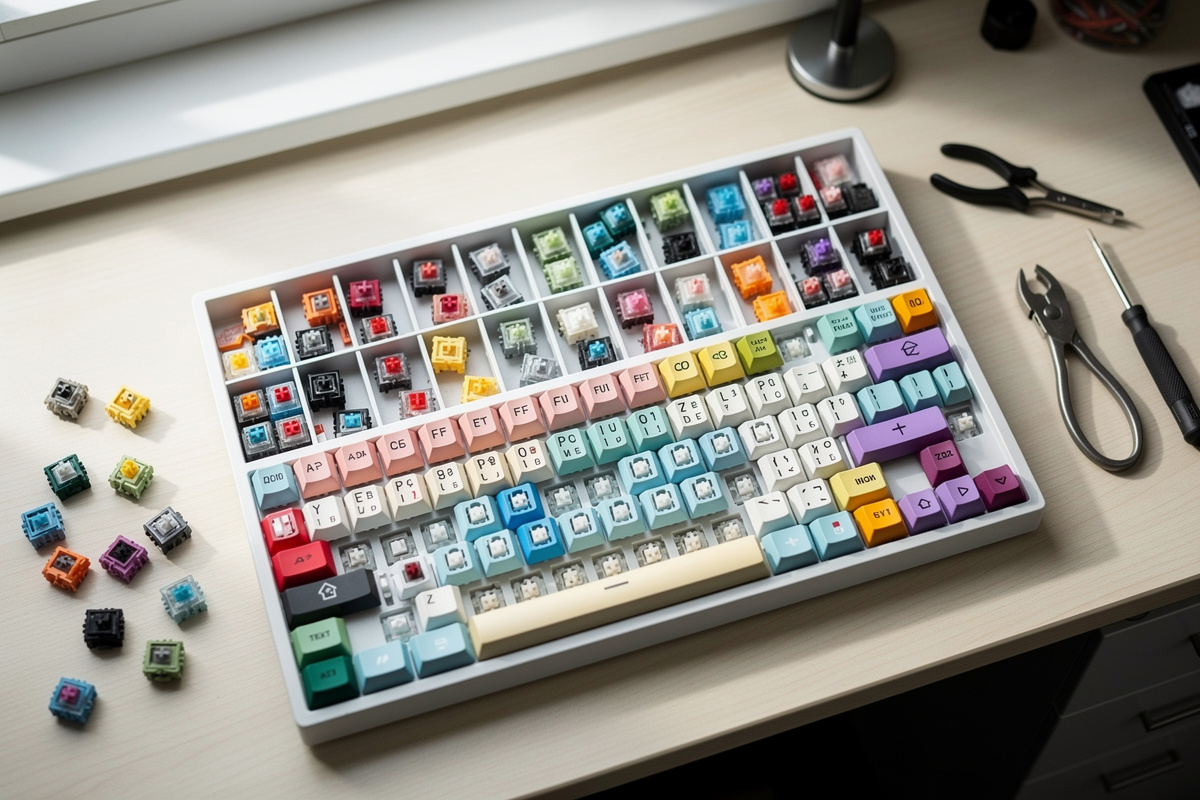
This information is for educational purposes. Keyboard work involves small parts, soldering irons, and electronics — work in a ventilated space when soldering, unplug boards before opening them, and modding a board may void its warranty. When in doubt, check the manufacturer's documentation first.
Mechanical keyboard switch types fall into three families — linear, tactile, and clicky — separated by what your finger feels on the way down and what your ears hear at the bottom. Linears travel smooth, tactiles give a bump, clickies add a click. Actuation forces across the common stock catalog run roughly 35g to 67g, and almost everything else marketers sell you is a variation on those three.
I have a switch drawer that outgrew its drawer. Linears, tactiles, clickies, the lubed and unlubed versions of the same switch sitting side by side, because the only honest way to judge a switch is to feel the variable in isolation. After enough 90-packs and enough hours on my lube station, the marketing language stops mattering and three questions do: what does the bump feel like, how heavy is the spring, and how does the stem behave at the bottom of the stroke. This guide is the map of the whole category through that lens — built honest, hype-resistant, and specific about the numbers that the spec-pedantic side of this hobby actually argues about.
What Are the Three Mechanical Switch Types?
The three switch types are linear (smooth top to bottom), tactile (a bump partway down at the actuation point), and clicky (a tactile bump plus an audible click mechanism). Every mainstream switch — Gateron, Cherry, Akko, Kailh — is one of these three. The differences live in the stem geometry: a linear stem has straight legs, a tactile stem has a bulge that pushes the leaf, a clicky switch adds a click jacket or click bar.
That stem shape is the whole story. On my bench I keep one of each torn open next to a 10x loupe, and once you have seen the bulge on a tactile stem versus the clean rails on a linear, the categories stop being marketing words. Linears are the default for gaming and for anyone who lubes, because a smooth switch lubes to glass. Tactiles are the typist’s pick — the bump tells your finger the key registered without bottoming out. Clickies are the loud minority: the same tactile bump with a click mechanism bolted on so the room knows you typed.
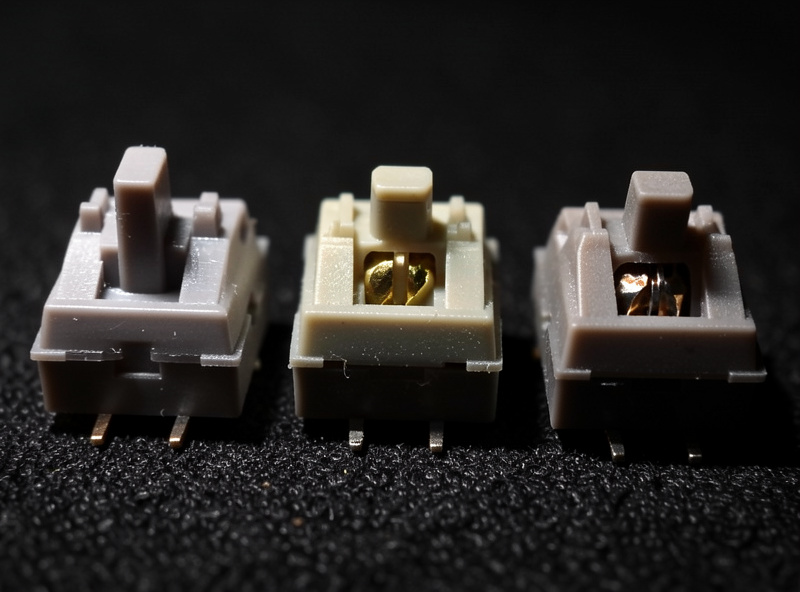
A useful way to picture it: the leaf inside every switch is the contact that registers the keypress, and the stem’s job is to push that leaf apart on the way down. On a linear, the stem face that passes the leaf is smooth, so there is no resistance event — just a steady ramp of spring force. On a tactile, a bump on that stem face has to deform the leaf as it passes, and that deformation is the “click” you feel in your finger. On a clicky, a separate moving part — a jacket that slides on the stem, or a bar that snaps — produces the audible click on top of that tactile event. Once you understand that the stem is doing the mechanical work and the spring is doing the force, the whole catalog organizes itself, and the endless list of switch names stops being intimidating. Every switch is some combination of “what shape is the stem face” and “how strong is the spring.”
Linear vs Tactile vs Clicky: Which Feel Is Right for You?
Choose linear if you bottom out and value smoothness, tactile if you want feedback at the actuation point, and clicky if you want sound and do not share a room. A stock Gateron-style linear actuates around 45-50g with no bump; a Holy-Panda-class tactile gives a sharp 60-67g bump; a Cherry-MX-Blue-class clicky pairs a bump with a click jacket at roughly 50g. The feel difference is enormous; the actuation force difference is often under 15 grams.
People obsess over the family label and ignore the spring, which is the bigger variable for most fingers. I have handed the same person a 45g linear and a 67g linear and watched them describe them as completely different switches — same family, just a heavier spring. If you are still weighing the families themselves, I break the three down head to head in my honest linear vs tactile vs clicky guide. The honest order of operations: pick the family for the feel you want, then pick the spring weight for your fingers, then decide whether you will lube. That last decision changes a switch more than swapping brands within a family.
How Switch Actuation Weight Actually Feels
Actuation weight is the gram force needed to press the switch to its registration point, and it ranges from about 35g (very light) to 67g+ (heavy) on common switches. Bottom-out force — what your finger actually hits when you slam the key — is always higher, typically 50-60g on light switches and 62-80g on heavy ones. The number on the box is the actuation figure; the number your finger feels at rest is the bottom-out.
This is the spec that gets misread constantly. A “45g” linear is not a 45g experience if you bottom out every key — you are feeling its 55-60g bottom-out all day. Light typists who float over the keys feel actuation; heavy bottom-out typists feel the bottom-out spring rate. I have paid attention to my own typing across different boards and I am a hard bottom-out typist, which is exactly why I run mid-weight springs and never the 35g featherweights that sound great in reviews and fatigue my hand by hour six. If you are unsure where your fingers land, my deeper write-up on choosing the right switch actuation weight walks through how to match spring force to how you actually type.
Which Switch Brands Are Worth Knowing?
Four brands cover the vast majority of what a builder will ever touch: Gateron (the value benchmark for smooth linears), Cherry (the original, now the conservative reference), Akko (cheap and surprisingly good in the last two years), and the Holy-Panda-style tactile lineage (the cult tactile). Beyond those, Kailh, Outemu, and dozens of “in-house” vendor switches exist, but they are almost always re-labeled or lightly tweaked versions of those core designs.
Brand obsession is the most expensive habit in this hobby and the least useful. I have torn down vendor “house” switches and found a Gateron housing underneath more times than I can count. What actually varies between brands is manufacturing consistency — how much stem wobble batch to batch, how often a spring pings out of the box, whether the factory lube is slathered or absent. Gateron’s smoothness floor is high enough that a stock Gateron linear out-performs many lubed budget switches, which is exactly why it became the value reference on my bench. Cherry switches feel scratchier stock but are the most predictable; Akko punches above its price but with more batch variance. None of this is visible on a spec sheet — it is the kind of thing you only learn from filling drawers.
If you want the one practical heuristic I have landed on after enough 90-packs: judge a brand by its worst switch in the pack, not its average. A vendor batch that gives me two pinging springs and one wobbly stem out of ninety is a batch I do not trust for a full build, because those flaws scale — a 65% board uses about seventy of them and a full-size over a hundred, so a one-in-thirty defect rate means three or four bad keys you will feel every day. Gateron and Cherry earn their reference status not by having the best single switch but by having the most boring, consistent worst switch; I have opened packs of both and struggled to find the dud. The budget and house brands are where I sort on a tester first and keep a few spares from every pack, because the variance that does not show up in a single press shows up across a hundred of them. That consistency tax is the real reason the value benchmarks stay the value benchmarks.
How Switch Type Changes Keyboard Sound
Switch type sets the broad sound category, but the stem, the housing material, and the bottom-out pole do most of the acoustic work. Clickies are loud by design (the click jacket or bar is the noise). Linears are the quietest of the three stock, and long-pole linears produce the deep “thock” the hobby chases. Recorded on the same mic at the same distance, the difference between a stock linear and a long-pole linear is more dramatic than between two different linear brands.
I record every sound comparison the same way — one mic, one distance, one desk, stated every time — because the genre is drowning in phone-mic recordings that have lied to more buyers than any spec sheet. A switch that sounds “thocky” in a YouTube short was probably in a foam-modded, gasket-mounted board recorded six inches from a studio mic; the same switch in your stock plate-mount board over your laptop speakers will sound nothing alike. Sound is the most-marketed and least-controllable variable in switch buying, which is why I push people toward feel first and treat sound as a tuning outcome, not a purchase criterion.
Long-Pole, Silent, and North-Facing: The Sub-Categories That Matter
Beyond the three families, three engineering variations change behavior enough to matter: long-pole switches shorten travel and sharpen the bottom-out sound, silent switches add rubber dampeners to kill noise at the cost of a mushier bottom, and north-facing switches put the LED slot at the top of the housing, which causes interference with Cherry-profile keycaps. None of these is a fourth “type” — each is a modifier on a linear or tactile.
Long-pole linears (the stem pole that hits the bottom housing is longer, so travel is shorter — roughly 3.3mm total versus the standard 4.0mm) have taken over the “thock” enthusiast space because the firmer, earlier bottom-out makes a deeper, snappier sound (I pull that trade-off apart in my full breakdown of long-pole switches and what they change). Silent switches trade that crisp bottom for dampened quiet — useful in shared spaces, divisive among people who like to feel the floor; the honest tradeoffs of silent switches get their own deep dive elsewhere on this site. North-facing orientation is purely a PCB design choice, but it collides with the most popular keycap profile in the hobby, and that collision is worth its own conversation — which is exactly what I get into in my piece on north-facing switches, interference, and whether it matters.
The reason these three deserve their own discussion is that none of them changes which family a switch belongs to — a long-pole linear is still a linear, a silent tactile is still a tactile — but each changes the day-to-day experience more than swapping brands within a family would. I keep examples of all three in the drawer specifically because they break the tidy “three families” mental model that beginners arrive with. A buyer who has decided they want “a linear” can still end up with a switch that feels and sounds completely unlike what they expected, purely because it is long-pole or silent. The modifiers are where the genuinely interesting feel differences live now that the base families are mature and well understood, and each of them gets a full breakdown elsewhere on this site because the trade-offs are too detailed to compress into a paragraph here.
Which Switch Type Is Best for Gaming vs Typing?
For gaming, most players prefer light linears (around 45g) because the smooth, predictable travel makes rapid double-taps consistent and there is no tactile bump to fight on the way down. For typing, many people prefer tactiles because the bump confirms the keypress without forcing a full bottom-out, which can reduce both fatigue and typos. Clickies suit neither task better than the other — they are a preference for sound, not performance.
That said, the “gaming switch versus typing switch” framing is largely marketing. I game and type on the same linears and have for years; the bump on a tactile does not actually slow my key presses in any way I can measure, and plenty of competitive players type all day on tactiles without complaint. The real divide is bottom-out style: if you slam keys, a slightly firmer spring protects your fingers over an eight-hour day, gaming or not. Pick for how your hands behave, not for the activity printed on the switch’s marketing page. The same switch that wins your typing test will serve your gaming fine, and the reverse holds too.
Switch Specs Compared: Forces, Travel, and Use Case
The table below is the cheat sheet I wish I had when I started buying switches by the 90-pack instead of by feel. Figures are representative of the common stock variants in each class; actual specs vary by manufacturer batch, so always confirm against the maker’s own page before buying for a specific number.
| Switch class | Type | Actuation force | Total travel | Best for |
|---|---|---|---|---|
| Gateron-style linear | Linear | ~45-50g | 4.0mm | Gaming, lubing, smooth typing |
| Cherry-MX-Red-class | Linear | ~45g | 4.0mm | Light, fast, all-purpose |
| Holy-Panda-class | Tactile | ~60-67g | 4.0mm | Typists who want a sharp bump |
| Cherry-MX-Brown-class | Tactile | ~45g | 4.0mm | Mild bump, office-friendly |
| Cherry-MX-Blue-class | Clicky | ~50g | 4.0mm | Loud feedback, solo rooms |
| Long-pole linear | Linear (modified) | ~45-50g | ~3.3mm | Deep, snappy “thock” sound |
| Silent linear | Linear (dampened) | ~45g | ~3.5mm | Shared spaces, quiet typing |
Do You Have to Lube Switches to Make Them Good?
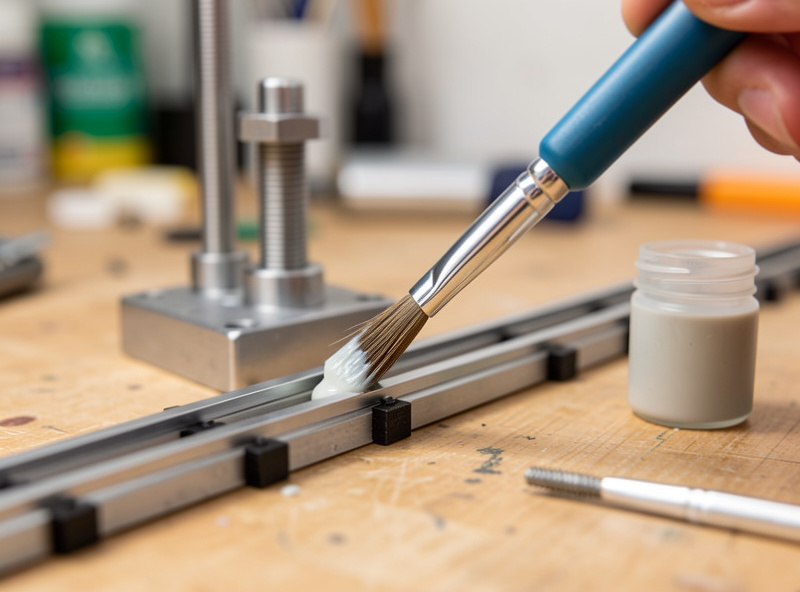
No — but lubing is the single biggest change you can make to any switch without buying a different one. A stock linear and the same linear lubed with a thin coat of Krytox-class grease are, to my fingers, two different switches: the lubed version loses its scratch and its spring ping almost entirely. Tactiles are riskier to lube because too much grease rounds off the bump, which is the whole point of a tactile.
This is the methodology my whole bench runs on: same switch, tuned versus stock, because that is the only comparison that isolates the variable everyone else confounds in their reviews. When a reviewer hands you a “switch comparison,” ask whether they are comparing the switches or comparing one lubed and one not — because that single difference will dominate everything you hear. If you are buying your first switches and you do not plan to lube, weight the smoothness of the stock feel heavily, because that is what you are getting.
The decision tree I give people is short. If you will never lube, buy the smoothest stock switch you can afford and stop reading switch drama on forums — a stock Gateron-class linear is better than fine. If you are willing to put in the evenings, almost any decent linear becomes excellent with a thin coat of grease, so you can buy on price and tune your way to the feel. The mistake is buying an expensive “premium” switch on the assumption that price equals smoothness, then never lubing it; you paid for a tuned feel and left it stock. Switch type tells you what the switch will do; lube tells you how refined it will feel doing it. Decide your lubing appetite before you decide your budget, because the two are tied together more tightly than any spec sheet admits.
How Many Switches Should You Buy to Test?
Buy a switch tester (a small board holding 6-9 different switches, usually cheaper than a single 90-pack) before you commit to filling a board, because feel is personal and no spec sheet predicts it. A full keyboard needs about 70 switches for a 65%, 87 for a TKL, or 104+ for a full-size, which is why switches sell in 90-packs and 110-packs. Buying the wrong 90-pack is the most common beginner money-waster in the hobby.
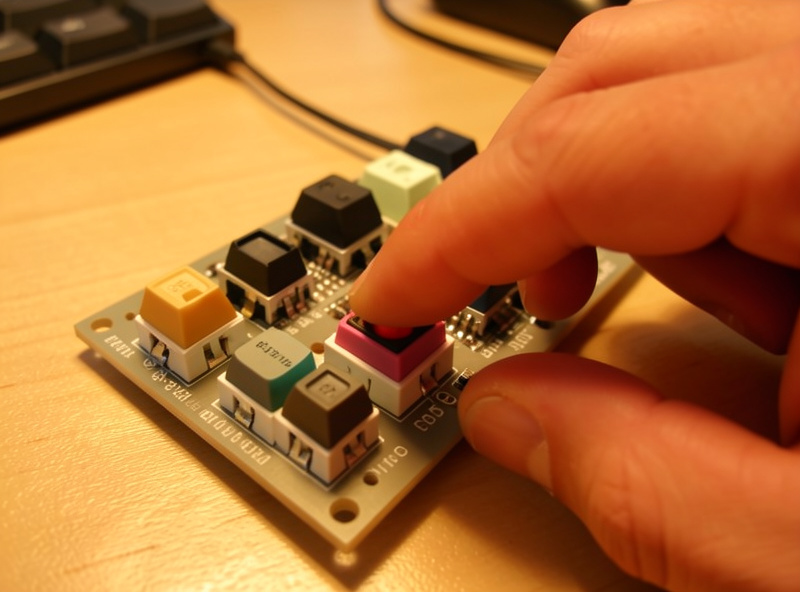
My drawer exists because I made exactly that mistake repeatedly early on — ordering a full set of a switch I had read about, hating it in person, and starting over. A tester would have cost a fraction of those wasted packs. The honest path is: tester first, then a single 90-pack of whatever felt right, then lube a few and decide if the tuning is worth your evenings. And before you trust that a switch “smooths out” on its own, read my honest take on whether switch break-in is real or placebo. Endgame is a joke the hobby plays on your wallet; a tester is how you stop paying the punchline.
One caveat about testers that I wish someone had told me: a single switch on a tester board feels different from forty of the same switch on a real board, because a tester gives you no rhythm and no plate to bottom out against. Use the tester to rule things out — a switch that feels scratchy or too heavy on a tester will be worse across a whole board — but do not expect it to tell you the full story of how a switch types in a sentence. The reliable progression is: tester to narrow the family and weight, then a 90-pack of one finalist, then build a board and live with it for a week before you judge. Most of the regret in this hobby comes from skipping the middle step and committing a full set on the strength of a single tester press or, worse, a recording someone else made.
Frequently Asked Questions
What is the difference between linear, tactile, and clicky switches?
Linear switches travel smoothly from top to bottom with no feedback. Tactile switches have a bump at the actuation point you can feel. Clicky switches add an audible click to that bump. The difference is in the stem and click mechanism, not the spring.
What actuation weight should a beginner pick?
Most beginners are happiest in the 45-50g range, which balances accidental keypresses against finger fatigue. Lighter 35-40g switches feel fast but cause typos for heavy typists. Heavier 60g-plus switches reduce typos but tire your hands over long sessions.
Are long-pole switches better than standard switches?
Long-pole switches are not better, just different. They shorten total travel to roughly 3.3mm and produce a deeper, snappier bottom-out sound that thock enthusiasts prefer. If you like a longer 4.0mm travel or a softer landing, a standard pole is the better choice.
Do silent switches feel worse than normal switches?
Silent switches feel mushier at the bottom because rubber dampeners cushion the impact. They are quieter by a noticeable margin, which is their entire purpose. Whether that trade is worth it depends on whether you value a crisp bottom-out or a quiet office.
What does north-facing mean for a switch?
North-facing describes the PCB orientation where the LED slot sits at the top of the switch housing, nearest the screen. It matters because north-facing sockets can cause interference with Cherry-profile keycaps, where the keycap stem hits the housing before full travel.
Do I need to lube my switches?
You do not need to, but lubing removes scratch and spring ping and is the biggest feel upgrade short of buying different switches. Linears benefit most. Tactiles are riskier because over-lubing rounds off the bump, so use a thin coat on the rails only.