This information is for educational purposes. Keyboard work involves small parts, soldering irons, and electronics — work in a ventilated space when soldering, unplug boards before opening them, and modding a board may void its warranty. When in doubt, check the manufacturer's documentation first.
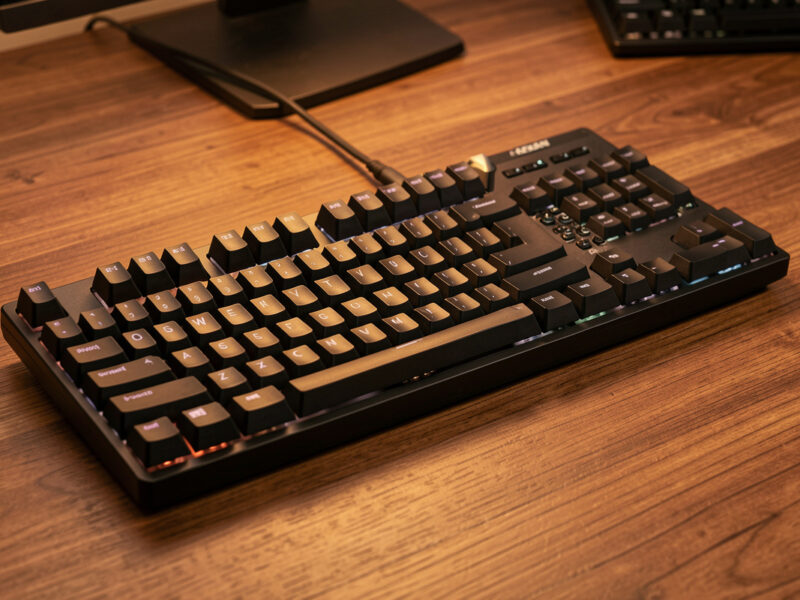
A tenkeyless keyboard (TKL) is a full-size board with the numpad removed — 87 keys instead of 104 — and that one cut is the most sensible downsize in the whole hobby. You keep the function row, the arrows, and the navigation cluster, so nothing about your typing changes, while the mouse slides several centimeters closer to your shoulder. For most people, TKL is the answer before they have even heard the question.
I run compact boards as my daily drivers, but the TKL is the layout I recommend more than any other, because it asks nothing of your muscle memory and gives back real desk space. Here is the honest pros-and-cons breakdown — the genuine wins, the few costs nobody mentions, and exactly who should pick a TKL over both a full-size and a smaller compact.
What a Tenkeyless Keyboard Actually Removes
A TKL removes only the numpad — the block of number keys, operators, and Enter on the far right of a full-size board. Everything else stays exactly where your hands already expect it: F1 through F12 across the top, the inverted-T arrows, and the Insert, Home, Page Up, Page Down, Delete, and End cluster above the arrows. That is why TKL is sometimes called “80%.”
The significance of cutting the numpad and nothing else is that there is zero relearning. A 65% asks you to find F-keys on a layer; a 60% takes your arrows away; a TKL takes nothing your fingers rely on for general typing. If you have used a standard keyboard your whole life and want it smaller without a learning curve, the TKL is the only downsize that costs you nothing in muscle memory.
The Pros: Why TKL Is the Default Recommendation
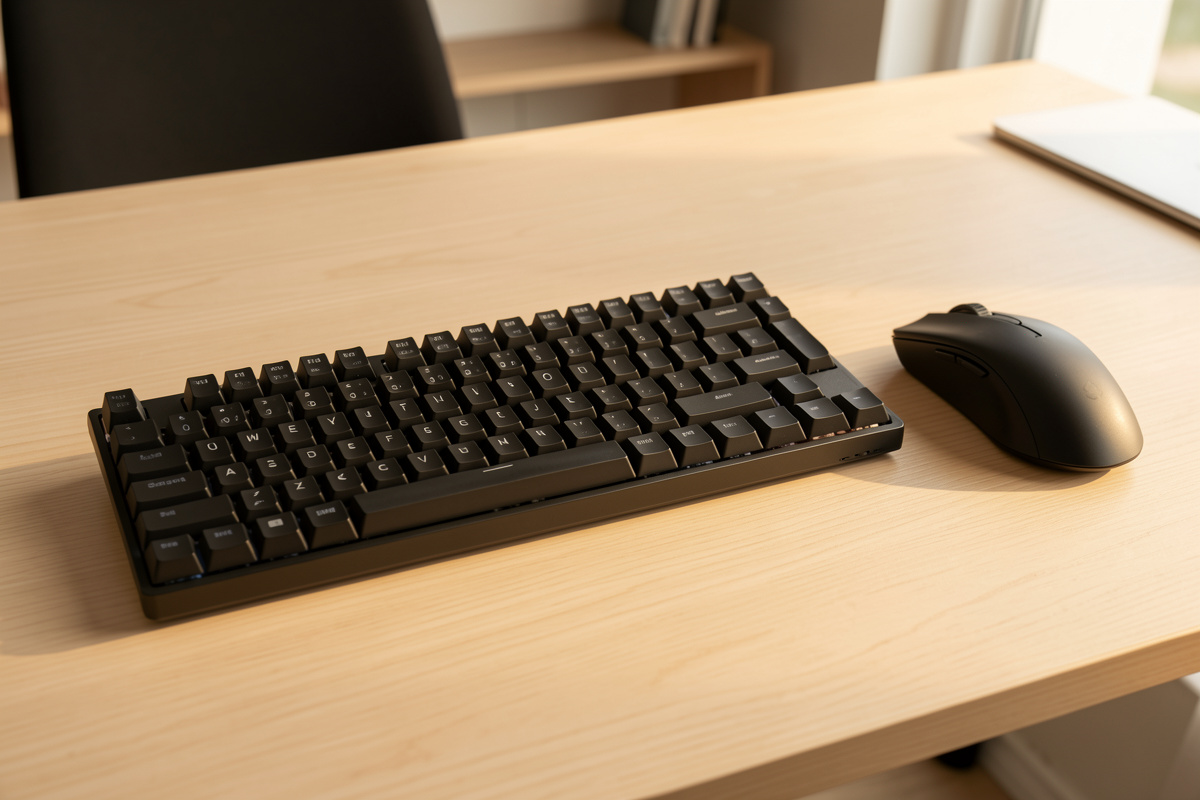
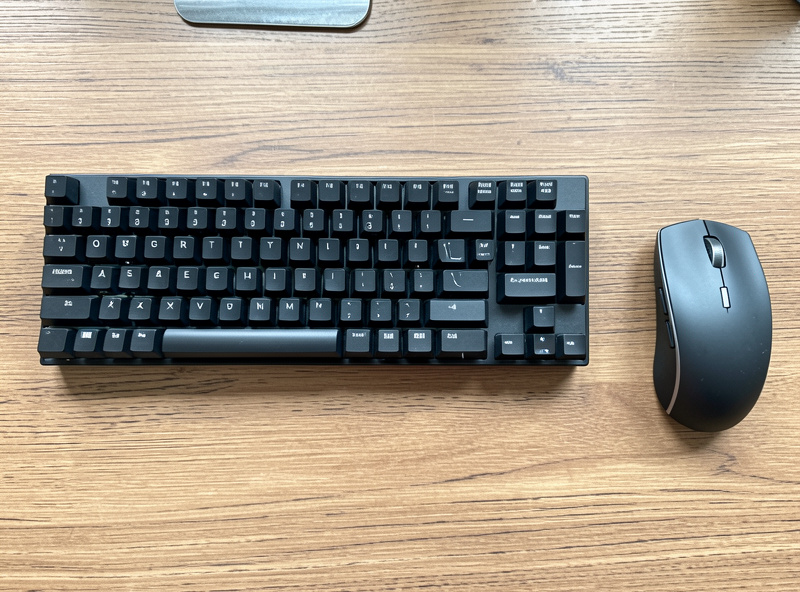
The headline benefit is ergonomic, and it is not subtle: removing the numpad lets your mouse hand sit closer to your body’s centerline, so your arm is not splayed out to the right all day. That single change is the reason I steer office workers and gamers toward TKL more than any other layout — it is the cheapest comfort upgrade in the hobby, framed as preference rather than therapy, and your shoulder tends to notice within a day.
Beyond that, you keep full functionality. No layers to learn, no Fn-gymnastics for arrows or F-keys, full navigation cluster intact. TKL boards are also widely available, well supported by keycap sets (the layout is standard, unlike many 75% boards), and they travel better than a full-size while still feeling like a “complete” keyboard. For gaming specifically, the freed-up desk gives you more room for big mouse sweeps at low sensitivity, which is a genuine competitive nicety.
The Cons: Where TKL Falls Short
The obvious cost is the numpad itself. If you enter numbers in bulk — accounting, data entry, spreadsheets, point-of-sale — the numpad is a real productivity tool, and reaching across the number row is slower and more error-prone. No amount of “you’ll adapt” changes the fact that ten-key data entry is faster on a dedicated pad. For those users, TKL is the wrong call and a full-size or a 96% compact is right.
The subtler con is that a TKL is still fairly wide — it is not a small board. If your actual goal is a minimal, compact desk or a board you can pocket, the TKL barely moves the needle compared to a 65%. It splits the difference: smaller than full-size, much larger than a true compact. People who buy a TKL hoping for a dramatically tidier desk are sometimes underwhelmed, because the width savings all come from one end while the board itself stays long.
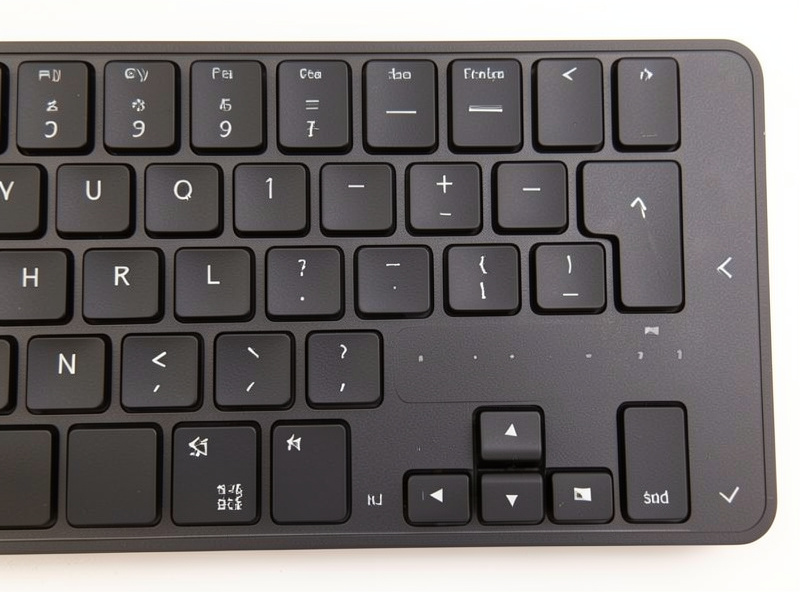
TKL vs the Alternatives
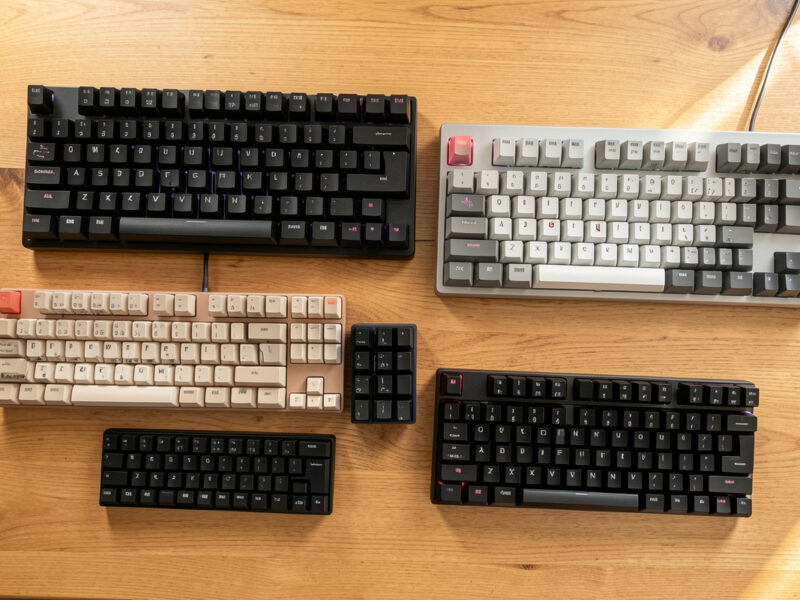
Against a full-size, TKL wins for anyone who does not need the numpad daily — closer mouse, less clutter, same typing. Against a 65% or 75%, TKL wins on zero-relearning and keycap availability but loses on compactness; the smaller boards are tidier but ask you to adopt layers. If you want the closer-mouse benefit without giving up the numpad entirely, a 96% or 1800-compact keeps the pad while trimming dead space.
This is genuinely a three-way decision, and the right answer depends on whether you value the numpad, the compactness, or the no-learning-curve. The deeper trade between the two compact options is laid out in the 65% vs 75% layout comparison, and the whole ladder sits in the keyboard layout guide. If you are buying your first enthusiast board around this decision, the barebones vs prebuilt guide covers how to actually get one.
Who Should Buy a Tenkeyless Keyboard?
Buy a TKL if you want a closer mouse and a tidier desk but refuse to relearn your keyboard. That is the sweet-spot user: someone who values the full standard layout, rarely touches the numpad, and wants the ergonomic win of a centered mouse without the muscle-memory tax of going compact. For that person — which is most people — the TKL is close to the perfect default.
Skip the TKL if you do heavy numeric data entry (go full-size or 96%) or if your real goal is a genuinely small, minimal board (go 65% or smaller). Everyone in between is well served. If you are still deciding what switches and keycaps go in it, the first custom keyboard guide ties it together, and a well-built tenkeyless hotswap board is an easy, low-regret place to land.
As an Amazon Associate I earn from qualifying purchases.
Frequently Asked Questions
What is a tenkeyless keyboard?
A tenkeyless keyboard, or TKL, is a full-size keyboard with the numpad removed, leaving 87 keys instead of 104. It keeps the function row, arrow keys, and navigation cluster, so only the right-hand number pad is gone. It is sometimes called an 80 percent board.
Is a tenkeyless keyboard better for gaming?
For many gamers, yes. Removing the numpad lets the mouse sit closer to center, giving more room for large low-sensitivity sweeps and a more relaxed arm position. There is no input downside for gaming, since games rarely use the numpad, which is why TKL is a popular competitive choice.
What is the downside of a tenkeyless keyboard?
The main downside is losing the numpad, which slows heavy numeric data entry like accounting or spreadsheets. A secondary downside is that a TKL is still fairly wide, so it does not save as much desk space as a true compact board. The savings come only from the missing numpad.
Is tenkeyless or 65% better?
TKL keeps every standard key with no relearning but stays wide. A 65% is much more compact but moves the function row to a layer. Choose TKL if you want full familiarity and a closer mouse, and 65% if you want a genuinely small board and accept layered F-keys.
Do tenkeyless keyboards have arrow keys?
Yes. A TKL keeps the dedicated inverted-T arrow keys and the full navigation cluster above them. Only the numpad is removed, so arrows, Home, End, Page Up, Page Down, Insert, and Delete all remain in their standard positions with no layer required.