This information is for educational purposes. Keyboard work involves small parts, soldering irons, and electronics — work in a ventilated space when soldering, unplug boards before opening them, and modding a board may void its warranty. When in doubt, check the manufacturer's documentation first.
The 65% vs 75% keyboard layout decision comes down to one question: do you want the function row badly enough to live with tighter spacing? A 75% keeps F1 through F12 as a dedicated top row but packs every column close together; a 65% drops the function row to a layer and gives you a roomier, cleaner board with dedicated arrows. Both keep the arrows. That single difference drives everything else.
I have owned both as daily drivers — my current main is a 75% hotswap, and the self-soldered aluminum board in my drawer is a 65%. This is the layout-level comparison: not which is a better first purchase (that is a separate buying question), but what each layout actually does to your hands, your desk, and your muscle memory once the novelty wears off.
What Physically Differs Between 65% and 75%
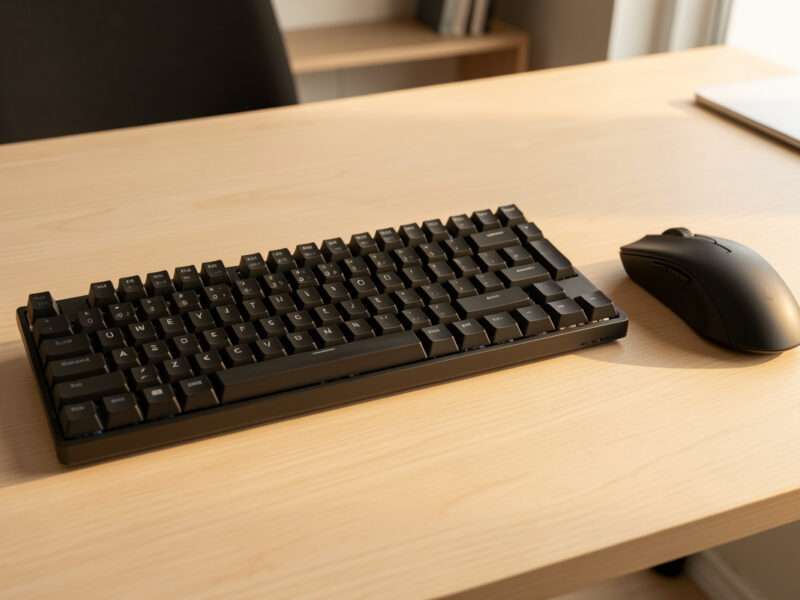
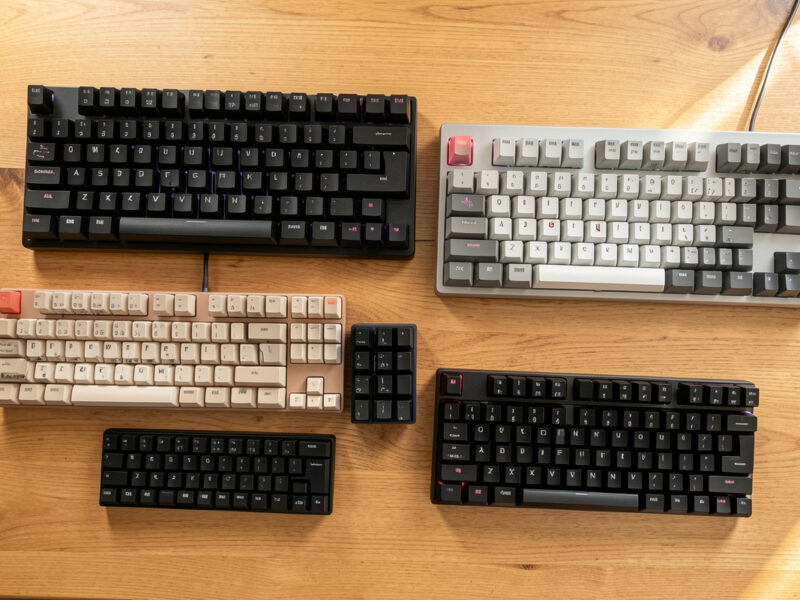
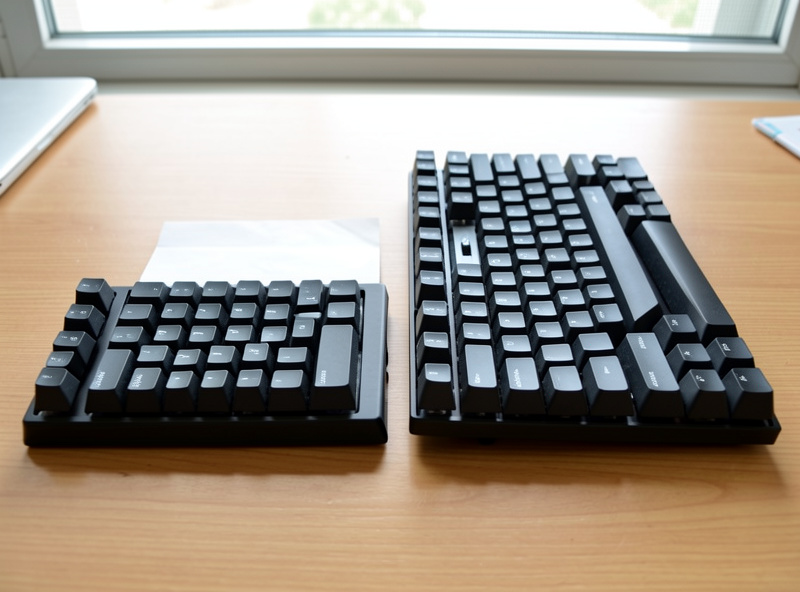
A 75% keeps the function row that a 65% removes — that is the only categorical difference. A 75% is essentially a tenkeyless board with the columns compressed and the right-side keys stacked vertically, so it retains F1 through F12 across the top. A 65% deletes that row entirely; the F-keys move to a layer you reach by holding a function key, freeing the board to spread out and breathe.
Because the 75% crams more keys into a similar footprint, its layout feels denser. The right shift is often shortened, the arrows tuck directly under it, and a vertical column of navigation keys (Delete, Page Up, Page Down) runs up the right edge. A 65% has fewer keys to place, so the same physical width gives each key a little more room and the arrow cluster sits cleaner. Pick up both blind and your fingers notice the spacing before they notice the missing row.
How Much Do You Actually Use the Function Row?
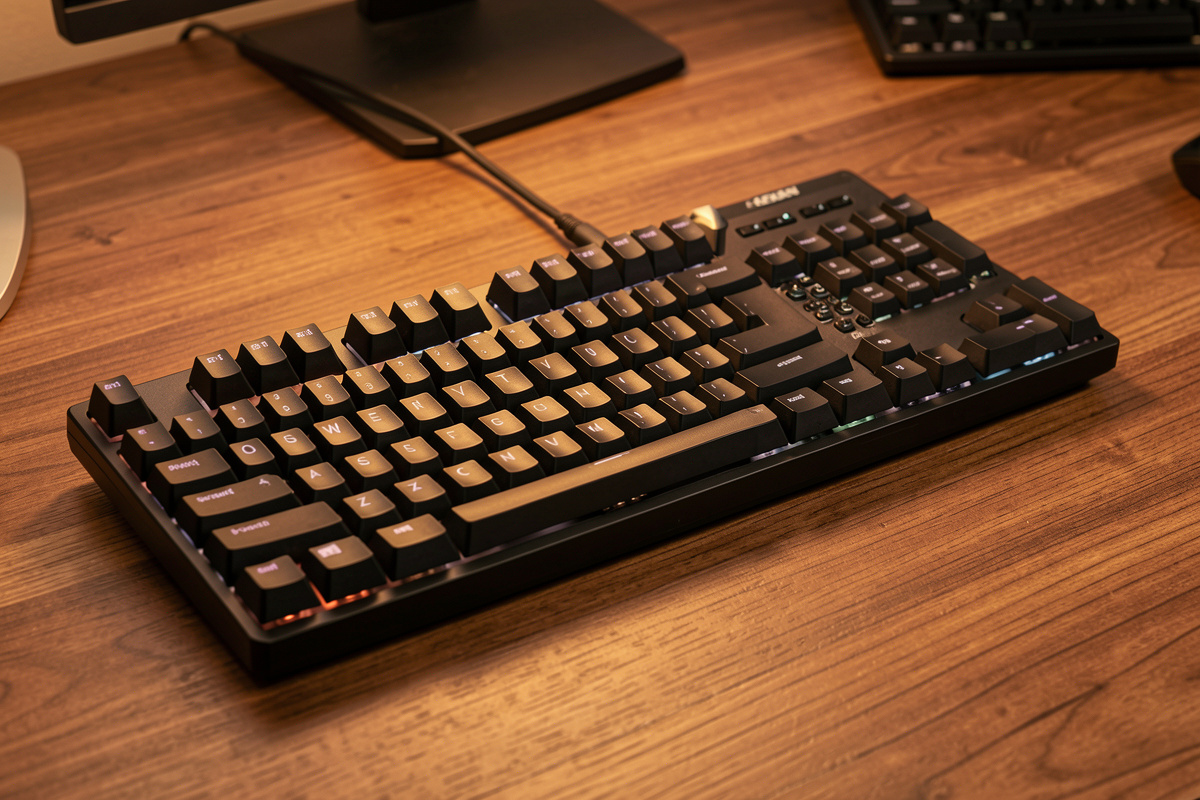
This is the entire decision, and the honest answer for most people is “less than you think.” Outside of pressing F5 to refresh, F2 to rename, and the volume or brightness keys on a laptop, the function row sits idle for the average user. If that describes you, a 65% loses nothing you will miss, and a quick Fn-plus-number covers the rare F-key press.
But there are real exceptions, and I will not pretend otherwise. If you live in software that leans hard on F-keys — certain IDEs, video editors with F-key shortcuts, accounting suites, or games that bind abilities to the function row — a dedicated, eyes-free F-row is worth the tighter spacing. On my 75% I genuinely use the F-row for editing shortcuts and reach for it without thinking; on the 65% I have to hold a layer key, and for fast repeated presses that friction adds up. Be honest about your own software, not about the software you imagine you might use.
The Spacing Trade Nobody Mentions in Reviews
The 75%’s compressed layout is its hidden cost. To fit the function row and full navigation into a compact board, designers shrink and reposition keys — most commonly the right shift, and sometimes the arrows get pushed into a corner where your hand has to hunt for them. If you came from a full-size or TKL, those shortened keys are where your typos will cluster for the first week.
A 65% avoids most of this because it has fewer keys to fit. The arrows usually sit in a clean inverted-T, the modifiers keep more standard sizing, and there is breathing room around the cluster. After years on both, the 65% is the layout my hands relax into faster, while the 75% always asks for a short re-acclimation when I switch back. Neither is wrong — but if effortless arrow access matters more to you than the function row, the 65% quietly wins the spacing argument.

Keycap Compatibility: A Real 75% Headache
Here is a practical wrinkle that catches buyers off guard: 75% boards frequently use non-standard key sizes, which makes keycap sets harder to fit. Because the layout compresses keys, you may need a set that includes an extra 1.75u shift key or specific bottom-row sizes, and some beautiful keycap sets simply will not cover a particular 75%’s odd kit. A 65% is closer to standard and generally easier to cap.
I have hit this myself — a set I wanted looked perfect until I realized it lacked the right-shift size my 75% needed, and I had to hunt for a compatible kit. If you plan to chase nice keycaps, factor this in. The broader rules of what fits where are covered in the complete keycap guide, and it is worth reading before you commit to a 75% you intend to dress up.
So Which Layout Should You Choose?
Choose a 65% if you want a clean, roomy compact board with effortless arrows and you rarely touch the function row. Choose a 75% if a dedicated, eyes-free F-row earns its keep in your daily software and you do not mind tighter spacing and trickier keycaps. Both keep arrows, both are compact, and both are excellent — this is a preference split, not a right-versus-wrong.
If I had to hand one board to a stranger with no information, it would be a 65%, because it forgives more and fights you less. But I keep a 75% as my daily for a reason: my workflow uses the F-row, and the spacing stopped bothering me after a week. Match the layout to how you actually work. If you are still assembling your first build around this choice, the first custom keyboard guide and the full keyboard layout guide put it in context, and a solid 65% hotswap board is the easiest place to start.
As an Amazon Associate I earn from qualifying purchases.

65% vs 75%: Side by Side
| Trait | 65% | 75% |
|---|---|---|
| Function row | On a layer | Dedicated |
| Arrow keys | Dedicated, roomy | Dedicated, tight |
| Spacing | More relaxed | Compressed |
| Keycap fit | Closer to standard | Often needs odd sizes |
| Best for | Clean layout, easy arrows | F-row power users |
Frequently Asked Questions
Is a 65% or 75% keyboard better?
Neither is universally better. A 65% gives roomier spacing and easy arrows but puts the function row on a layer. A 75% keeps a dedicated function row but compresses the keys. Choose 65% if you rarely use F-keys, and 75% if a dedicated function row matters to your daily software.
Do 65% keyboards have arrow keys?
Yes. Dedicated arrow keys are the defining feature that separates a 65% from a 60%. A 65% drops only the function row, keeping a physical arrow cluster, which is why most people choosing a compact board pick 65% over 60% for blind, eyes-free navigation.
Why are 75% keyboards harder to find keycaps for?
A 75% compresses keys to fit the function row and navigation into a small footprint, which often requires non-standard sizes like a 1.75u right shift. Many keycap sets do not include those sizes, so a set that looks perfect may not cover the board. A 65% is closer to standard and easier to cap.
Is the function row important on a keyboard?
It depends entirely on your software. For most users the function row sits idle outside of F5, F2, and media keys, so a layered F-row on a 65% is fine. For IDE users, video editors, and certain games that bind to F-keys, a dedicated row on a 75% is genuinely worth the tighter spacing.
Which layout is easier to adjust to from a full-size keyboard?
A 65% is usually the gentler adjustment because its spacing stays relaxed and the arrows sit in a clean cluster. A 75% keeps more keys but compresses them, so the shortened shift and tucked arrows cause more early typos. Most people adapt to either within a week.