This information is for educational purposes. Keyboard work involves small parts, soldering irons, and electronics — work in a ventilated space when soldering, unplug boards before opening them, and modding a board may void its warranty. When in doubt, check the manufacturer's documentation first.
The choice between a built-in rechargeable cell and swappable AA batteries comes down to one question: do you value never thinking about charging, or never being tethered to a cable? A built-in lithium cell tops up over USB-C and charges while you keep typing — convenient, no waste stream, but it ages and eventually limits a sealed board’s life. Swappable AAs never tie you to a charging schedule and outlive any single cell, at the cost of a little weight. For a desk daily I take built-in; for a travel board I respect the AA approach.
Both are legitimate, and the marketing pretends only one exists — almost every flagship ships a built-in cell, so the AA option gets framed as primitive when it’s actually a deliberate trade. Having lived with both on my bench, here’s the honest breakdown so you can match the battery system to how you actually use a board. This sits under the wider wireless mechanical keyboard guide.
How each system works
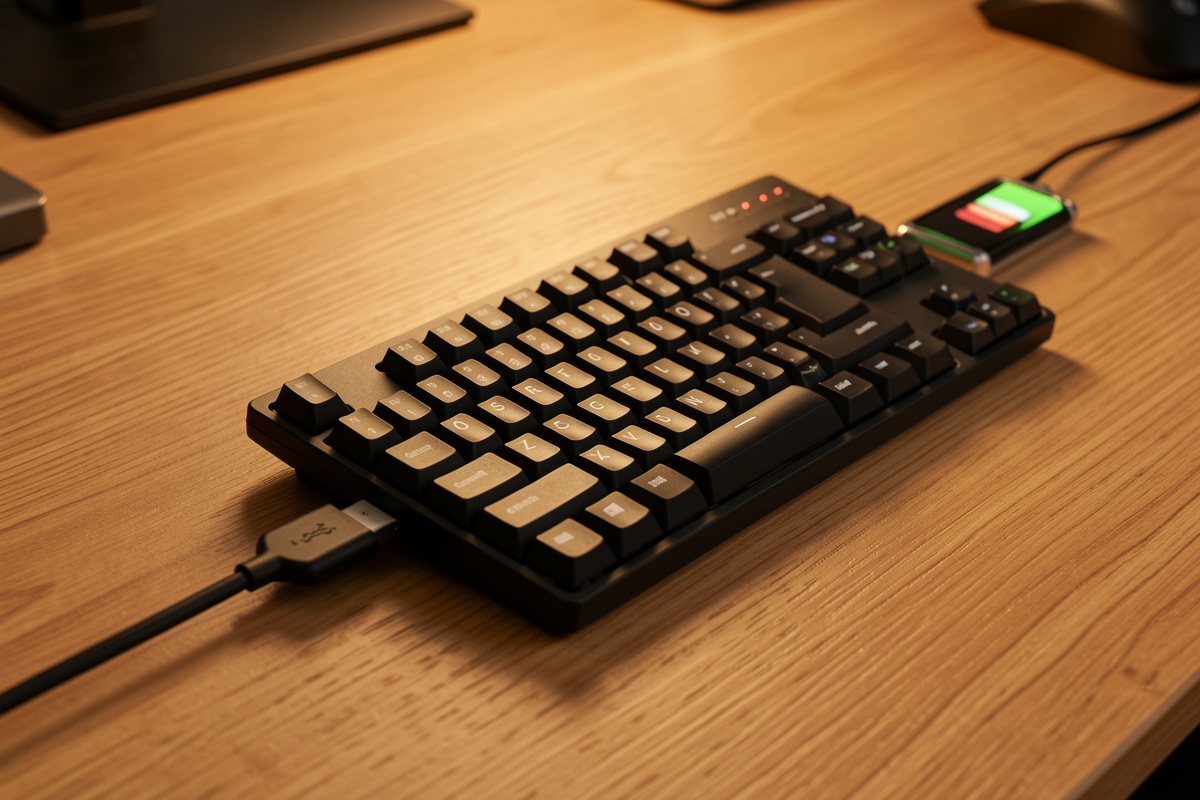
A built-in system uses a sealed lithium-polymer cell, usually between 2,000 and 8,000mAh, that you recharge over the board’s USB-C port. The headline convenience is that you can run the board wired while it charges, so it’s never truly “dead” — you just plug in and keep working. The catch is that the cell is part of the board; when it eventually degrades, replacing it means opening the case, which most people won’t do.
A swappable system has a tray for AA or AAA cells. When they run low you swap in fresh ones — no cable, no downtime, no charging schedule. Use rechargeable NiMH AAs and the running cost is trivial and the waste minimal. The trade is added weight and a slightly thicker case to house the tray, and you do have to keep spare cells around. Neither system affects typing feel at all — that’s switches and stabilizers, as always.
Built-in lithium: the convenience case
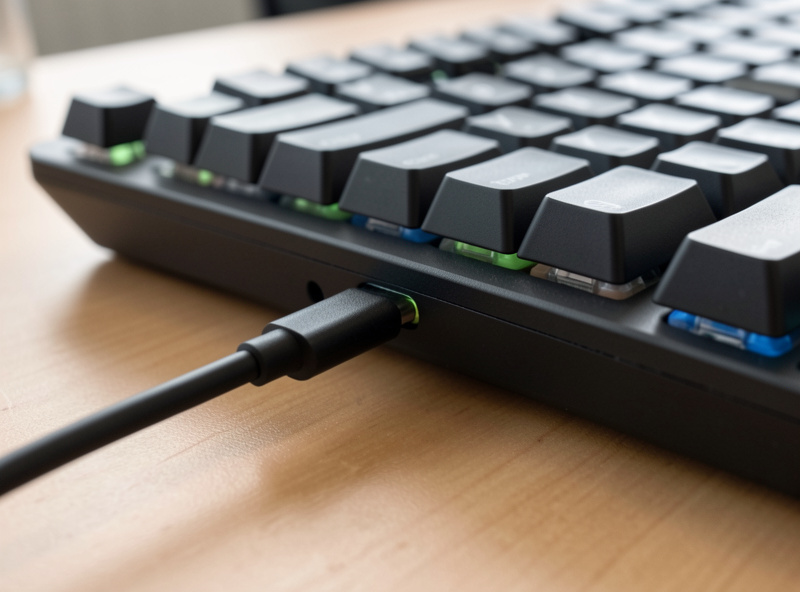
Built-in wins on day-to-day convenience. You charge over the same USB-C cable that runs the board wired, so topping up is invisible — plug in during a long session and you’re full again with zero interruption. There’s no tray adding weight, no spare cells to buy, and capacities are high enough that with sensible settings you’re charging weekly to monthly. For a board that lives on one desk, this is the obvious pick, and it’s why nearly every modern board ships this way.
The downside is lifespan. Lithium cells lose capacity with every charge cycle, so after a few years of daily cycling a built-in board’s runtime fades, and on a sealed board the cell effectively caps the board’s useful life. You can slow this — more on that below — but you can’t stop it. If you plan to keep a board for many years, factor it in.
Swappable AAs: the longevity and travel case
Swappable cells win on independence. You’re never waiting for a charge or hunting for a cable — when the cells die, you swap them and keep going, which is genuinely useful for travel and for anyone who hates being tethered. Because the board itself has no aging battery, it outlives any number of cells; the board’s lifespan is decoupled from the battery’s, the opposite of a sealed design. With rechargeable AAs, the cost and waste arguments mostly evaporate.
The trade-offs are real but modest: AA cells add weight, the case is a touch thicker to fit them, and you need spares on hand. Low-profile and travel boards are where this approach most often shows up, and where it makes the most sense — see how it fits the runtime picture in the battery life comparison. For most desk users, though, the convenience of built-in still wins.
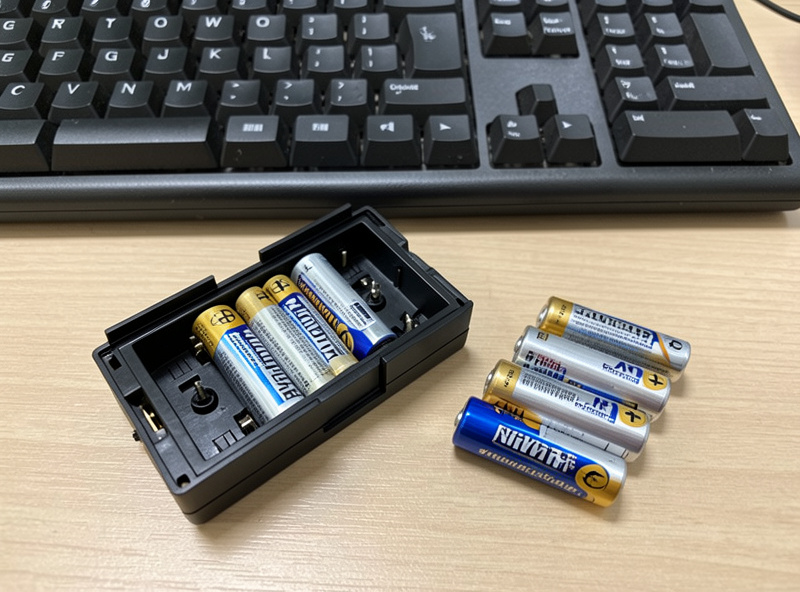
Charging vs swappable at a glance
| Factor | Built-in lithium | Swappable AA/AAA |
|---|---|---|
| Day-to-day convenience | Best (charge while typing) | Swap cells when low |
| Tied to a cable/schedule | Yes, to recharge | No |
| Long-term lifespan | Cell ages, caps board life | Board outlives any cell |
| Weight | Lighter | Heavier (cells + tray) |
| Running cost | None after purchase | Low with rechargeable AAs |
| Best for | Desk daily driver | Travel, long-term keepers |
How to make a built-in cell last longer
If you go built-in — and most people should — a few habits extend the cell’s useful life. Don’t leave it sitting at empty for long stretches; lithium chemistry prefers not to be deeply drained and stored flat. Keep the board out of heat. Top up before it hits zero rather than always deep-cycling. And the single best trick: run the board wired over USB-C at the desk and only go wireless when you move it. That means far fewer full charge cycles, so the cell holds its capacity for years longer.
This dovetails with the battery-stretching settings — backlight down, Bluetooth when latency doesn’t matter — that reduce how often you cycle at all. Treat the cell gently and a sealed board will serve you well past the point where a neglected one would be limping. None of it is fussy; it’s just not deep-draining a battery every single day.
A few sensible battery habits
Whichever system you choose, a little care goes a long way. With a built-in cell, use a decent USB-C cable and a normal phone-grade charger — there’s no benefit to a high-wattage brick, since the board draws modestly, and a reputable cable avoids flaky charging. If a board ever gets hot while charging or the cell visibly swells, stop using it; that’s the one hardware sign worth acting on immediately, and it’s rare on quality boards.
With AA cells, don’t mix old and new or different chemistries in the same tray — match them, and if you use rechargeables, charge the set together. Keep a labeled spare set charged so a dead board is a thirty-second swap, not a dead afternoon. These habits aren’t fussy and they’re the difference between a battery system you never think about and one that nags you. Pick the system that fits your use from the table above, then mostly forget about it.
Frequently Asked Questions
Are built-in or replaceable batteries better for a wireless keyboard?
Built-in lithium is best for a desk daily driver — it charges while you type and adds no weight. Swappable AAs are better for travel and long-term keepers, since you’re never tied to a cable and the board outlives any single cell. Match it to your use.
Do wireless keyboard batteries wear out?
Built-in lithium cells do — they lose capacity with every charge cycle, so runtime fades after a few years of daily cycling, and on a sealed board that caps the board’s life. AA-tray boards sidestep this: you just replace the cells when they age.
How do I make my keyboard’s built-in battery last longer?
Avoid leaving it at empty for long, keep it out of heat, and top up before it hits zero instead of always deep-draining. The biggest help is running the board wired at the desk and only going wireless when you move it — far fewer full cycles means a healthier cell.
Are rechargeable AA batteries worth it for keyboards?
Yes, if your board takes AAs. Rechargeable NiMH cells make the running cost and waste of a swappable system trivial, while keeping the main advantage — never being tied to a charging cable. Keep a charged spare set on hand and you’ll never have downtime.