This information is for educational purposes. Keyboard work involves small parts, soldering irons, and electronics — work in a ventilated space when soldering, unplug boards before opening them, and modding a board may void its warranty. When in doubt, check the manufacturer's documentation first.
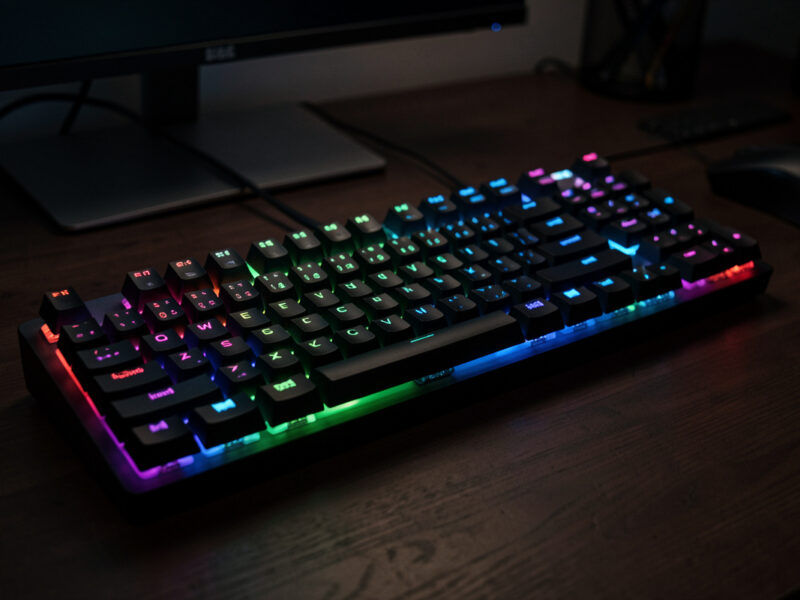
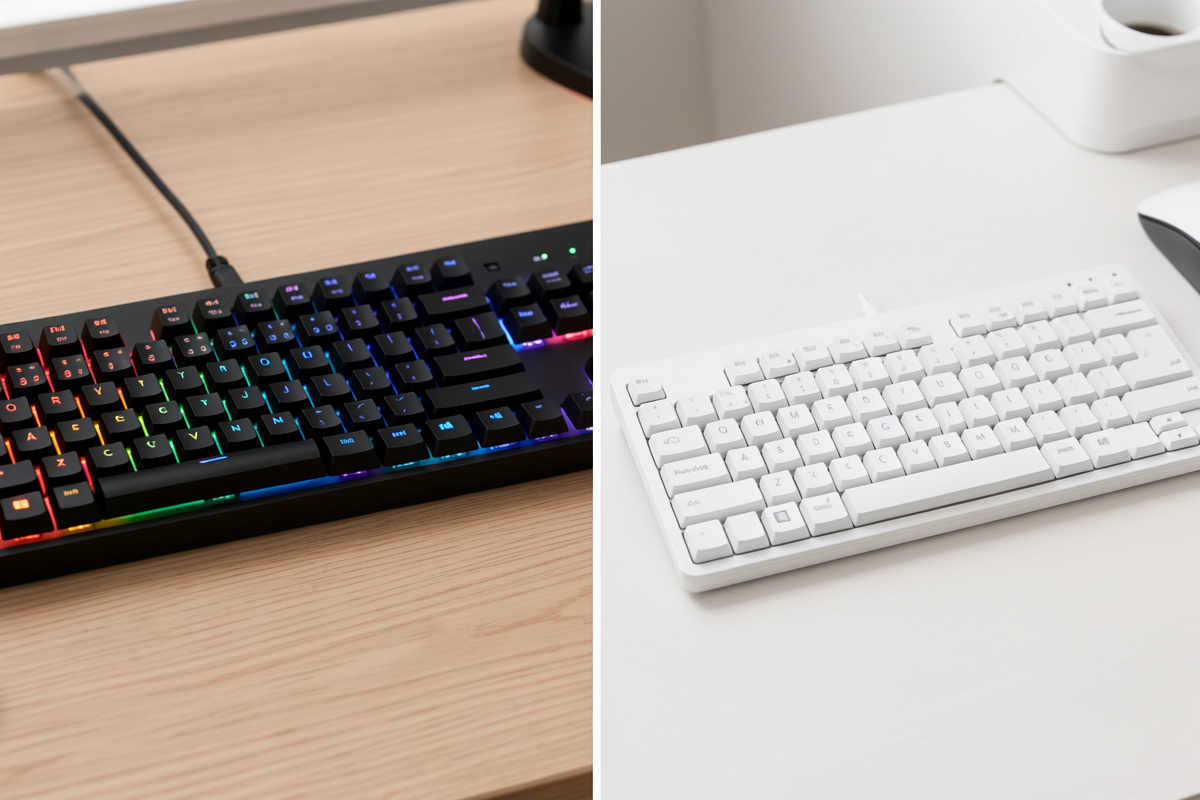
A wireless gaming keyboard and a wireless office keyboard share the same radios and the same switch tech, but they optimize for opposite things. A gaming board prioritizes the 2.4GHz 1000Hz link, low-debounce firmware, and fast linear switches, and trades away battery life because you’re near the dongle anyway. An office board prioritizes Bluetooth multi-device switching, long runtime, and a quiet tuned sound, and runs a relaxed poll rate nobody notices. Buy the wrong one for your desk and you’re paying for a strength you’ll never use.
I keep boards set up both ways on my bench, and the honest truth is that most people sit in the middle — which is why tri-mode boards win for them. But if you lean clearly toward one role, knowing what each prioritizes tells you exactly what to spend on and what to ignore. This comparison sits under the broader wireless mechanical keyboard guide.
The radio: 2.4GHz for gaming, Bluetooth for office
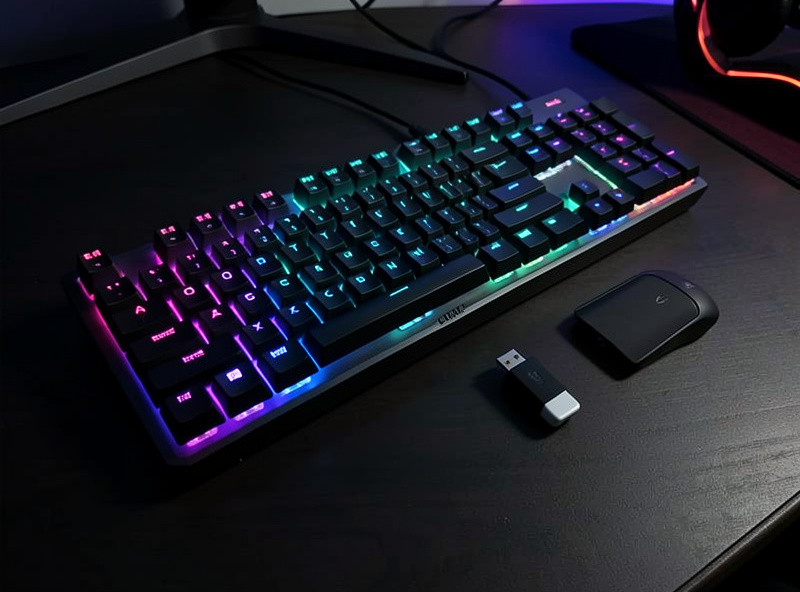
This is the cleanest split. Gaming wants the 2.4GHz dongle at 1000Hz — a 1ms interval, indistinguishable from wired, the only wireless mode appropriate for competitive play. Office wants Bluetooth, because its real advantage is switching between a work laptop, a personal machine, a tablet, and a phone with a keystroke, and its ~10ms latency is utterly invisible when you’re typing. Neither radio is “better”; they serve opposite priorities, which is the whole story of the Bluetooth vs 2.4GHz comparison.
The practical upshot: if you buy a gaming board for an office role, you’ll likely run it on Bluetooth anyway and waste the 2.4GHz premium. If you buy an office board for competitive play, you’re capped at Bluetooth latency. A tri-mode board sidesteps the whole problem — use the dongle to game, Bluetooth to work — which is why I recommend it to anyone genuinely split.
Switches and feel: speed vs comfort
Gaming boards lean toward linear switches — smooth, no tactile bump, often lighter — because rapid repeated actuation feels best on linears, and some ship with low-actuation or adjustable-actuation switches. Office boards lean toward quiet tactiles or silent switches for a defined keypress that won’t annoy a shared room. Both benefit identically from tuning: a rattly stabilizer ruins either, and an hour with the stabilizer tuning guide is the highest-return work on either board.
The switch choice is yours regardless of label — on a hotswap board you can put linears in an “office” board or silent switches in a “gaming” one. Pick feel from the linear vs tactile vs clicky primer based on what you like, not what the box says. The label tells you the vendor’s default, not your destiny, and that’s exactly why hotswap matters more than the gaming/office sticker.
Battery and RGB: opposite priorities
Gaming boards burn battery without apology — full per-key RGB, 2.4GHz at 1000Hz — because you’re at the desk near a cable and runtime isn’t the point. Office boards optimize the opposite way: minimal or no backlight, Bluetooth, relaxed poll rate, stretching runtime into weeks or months. The same battery in two boards delivers wildly different runtime depending on which philosophy it’s running, as the battery life comparison lays out.
This is worth matching to your habits. If you hate charging and want a board you plug in monthly, the office philosophy is for you even if you game casually — just run modest lighting and lean on Bluetooth. If you want a light show and lowest latency and don’t mind charging weekly, the gaming philosophy fits. The hardware is similar; the settings are the real difference.

Layout and software
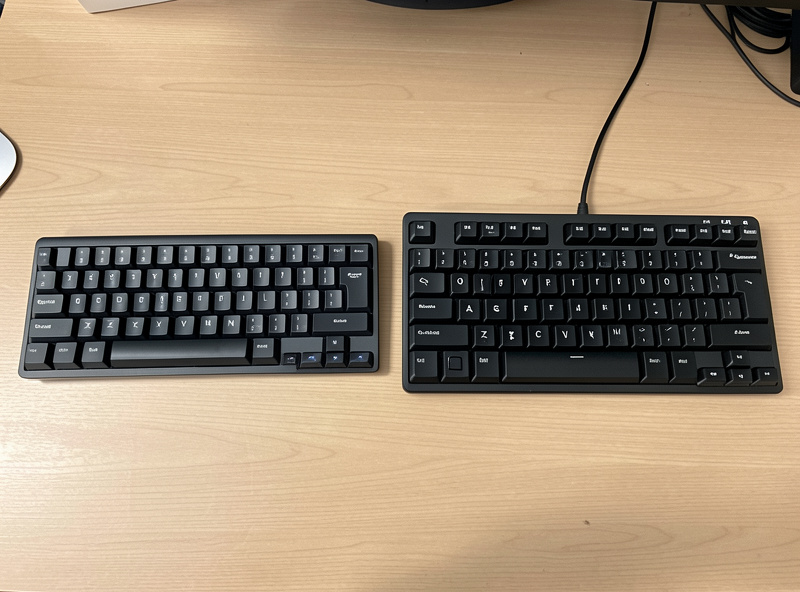
Office boards often favor larger layouts — full-size or 96% — to keep a number pad and full navigation cluster, plus dedicated device-switch keys. Gaming boards trend smaller — TKL, 75%, 60% — to free desk space for mouse sweeps and bring the mouse closer to the body. Your layout choice matters more day to day than the gaming/office label; the 65% vs 75% question is a better thing to agonize over than the radio.
On software, both use a remapping app, but gaming boards emphasize macros, per-key RGB profiles, and sometimes adjustable actuation, while office boards emphasize device switching and quiet, reliable defaults. Most wireless boards run a VIA-compatible or vendor app for remapping — check before buying that it supports the layers and macros you want, because a board you can’t remap is one you’ll outgrow.
Noise: the shared-room factor
One difference that doesn’t show on a spec sheet but matters every day is sound, and it splits the two roles. An office board in a shared space — an open plan, a home office on video calls, a partner in the next room — should be quiet. That means silent switches with dampened stems, or tactiles lubed down, plus tuned stabilizers so the spacebar doesn’t rattle through a meeting. A gaming board in a solo setup can be as loud and clacky as you like; nobody’s on the other end of a call hearing it.
The good news is that sound is the most tunable thing about any board, wireless or not. Tape mods, foam, and switch lubing change a board’s acoustics dramatically for a few dollars, and I’ve recorded the before and after on my own boards with the same mic at the same distance every time. So if you love a board’s everything-but-the-noise, you can usually quiet it down — read how the cheap mods and case and foam shape sound. Don’t let a clip’s loudness alone rule a board out for office use.
Can one board do both?
Yes — and for most people one board should. A tri-mode hotswap 65% or 75% with a decent battery covers the gaming role over its dongle and the office role over Bluetooth, and because it’s hotswap you can run whatever switches suit your noise tolerance and feel. Set up an RGB profile for play and a quiet one for work, keep a charged spare set of habits — lights down on Bluetooth for the workday, dongle and brightness up when you game — and a single board genuinely serves both desks.
The only people who truly need two dedicated boards are competitive gamers who also work in a sensitive shared space, where the gaming board’s loud linears clash with the office’s need for quiet. For everyone else, the dedicated-board split is a way to spend twice. Buy one good tri-mode board, tune it once, and let your settings — not your wallet — switch it between roles. That’s the builder’s answer, and it’s the one I’d give a friend asking which to get.
Gaming vs office at a glance
| Priority | Wireless gaming board | Wireless office board |
|---|---|---|
| Primary radio | 2.4GHz 1000Hz | Bluetooth multi-device |
| Switches | Linear, fast/light | Quiet tactile or silent |
| Backlight | Full per-key RGB | Minimal or none |
| Battery priority | Low (near a cable) | High (weeks to months) |
| Layout trend | TKL / 60–75% | Full-size / 96% |
| Software focus | Macros, RGB, actuation | Device switching, quiet defaults |
Which should you buy?
If you game competitively, buy for the gaming role and don’t compromise on the 2.4GHz link. If your day is documents, email, and juggling devices, buy for the office role and enjoy the battery life. And if you’re like most people — some work, some play — buy a tri-mode hotswap board in a 65% or 75% layout, run the dongle when you game and Bluetooth when you don’t, and put whatever switches you like in it. That covers both roles without forcing a choice, and it’s exactly why my role-based best wireless keyboards 2026 picks lean tri-mode.
Whichever way you go, remember the part no label advertises: typing feel comes from your switches, stabilizers, and tuning, not the gaming-or-office sticker. Spend the radio premium where your use justifies it, and spend your first free hour at the bench. That hour changes how the board feels every single day — far more than the role on the box ever will.
A word on price
Dedicated gaming boards often carry a premium for the high poll rate, RGB, and gaming branding, while office boards charge for multi-device firmware and a polished quiet feel. A tri-mode value board typically undercuts both and does 90% of each job, which is the value argument in a sentence. Don’t pay the gaming tax for a feature you won’t push, and don’t pay the office-productivity tax if a keystroke-mapped value board switches devices fine. Spend the difference on better switches and an afternoon of tuning — that’s where the felt quality actually lives, not in the role printed on the box.
Further Reading
If you’re still deciding, start with the wireless keyboard hub guide for the full buying logic, then dig into the Bluetooth vs 2.4GHz and honest latency breakdowns to settle the radio question. For runtime, the battery life comparison and charging vs swappable batteries pieces cover everything power-related, and the best wireless keyboards 2026 roundup turns all of it into specific picks.