This information is for educational purposes. Keyboard work involves small parts, soldering irons, and electronics — work in a ventilated space when soldering, unplug boards before opening them, and modding a board may void its warranty. When in doubt, check the manufacturer's documentation first.
Wireless keyboard battery life is the most misrepresented number in the hobby: a board advertised at “300 hours” can drop to a small fraction of that the moment you turn on the lights and switch to 2.4GHz. In a fair comparison, the two things that decide runtime are the radio mode and the backlight — the switches barely register. With RGB off on a 2.4GHz link, most decent boards I’ve run land in the one-to-three-week range for heavy daily typing; turn on full per-key RGB and you may be charging weekly.
The reason a clean comparison is so rare is that every vendor quotes their best-case scenario — Bluetooth, lights off, low poll rate — and never the configuration you’ll actually use. So I’m going to do what the spec sheets don’t: hold the usage profile constant and compare like for like, then show you how to stretch whatever board you own. This piece sits under the broader wireless mechanical keyboard guide.
What actually drains a wireless keyboard
Three things draw power, in wildly different amounts. The backlight is the biggest: per-key RGB at full brightness can be the difference between weeks and days. The radio is second: a 2.4GHz link polling at 1000Hz draws meaningfully more than Bluetooth at its efficient lower rate. Everything else — the switches, the controller idling — is a rounding error by comparison. That hierarchy is the whole story, and it means you control your battery life far more than the spec implies.
This is why two people with the same board report totally different runtime. One runs it dark on Bluetooth and gets weeks; the other runs full RGB on 2.4GHz and charges every few days. Neither is wrong about their board — they’re running different machines, functionally. Once you internalize that the lights and the radio are the dials, the box number stops mattering and your own settings start to.
Why the box number lies
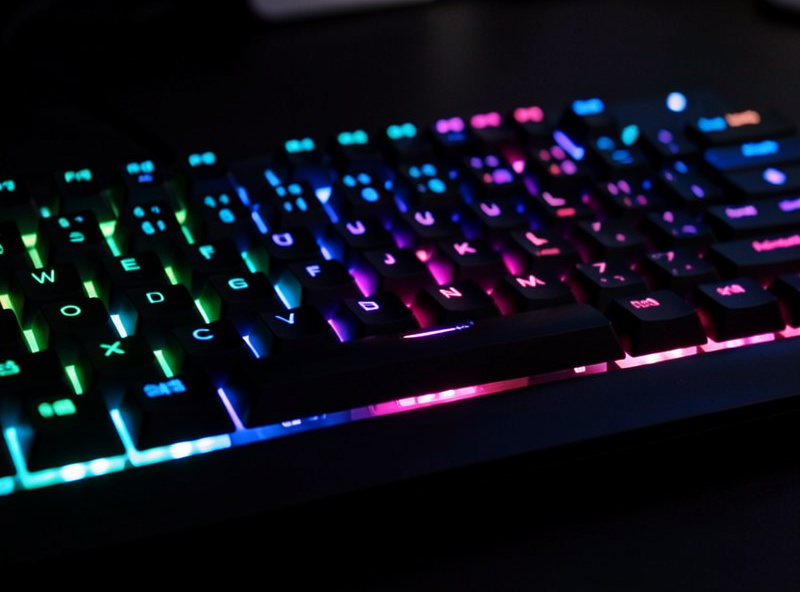
The advertised figure is almost always measured in the most flattering configuration: Bluetooth connection, backlight completely off, lowest poll rate, light typing. It’s not a lie exactly — the board can hit that number — but it’s a number you’ll likely never see, because most people want some light and many want the 2.4GHz dongle. Treat the box figure as a theoretical ceiling, not an expectation.
A more useful question to ask before buying is the battery’s capacity in mAh, which vendors usually do publish accurately. A larger cell (say 4,000mAh and up) gives you headroom for RGB and 2.4GHz; a small cell in a slim low-profile board will run down faster no matter the marketing. The honest framing comes from controlled testing, the same discipline I bring to the sound comparisons — hold the variables constant or the numbers mean nothing.
Real-world runtime by usage profile
Here’s how runtime stacks up across the configurations that actually matter, based on how my own boards behave. These are ranges, not lab figures — your exact board, cell size, and brightness shift them — but the relationships hold: lights and radio dominate, and the gap between “best case” and “real use” is enormous.
| Usage profile | Radio | Backlight | Typical runtime |
|---|---|---|---|
| Box best-case | Bluetooth | Off | Weeks to months |
| Office daily | Bluetooth | Off | 2–4 weeks |
| Single-PC daily | 2.4GHz | Off | 1–3 weeks |
| RGB typist | 2.4GHz | Low/medium | Several days to a week |
| Full RGB gamer | 2.4GHz | Full per-key | A few days |
The takeaway: if a board’s runtime disappoints you, the fix is almost always in your settings, not the hardware. Drop the brightness, switch to Bluetooth when latency doesn’t matter, and you’ll multiply the number on the same cell.
How to stretch any wireless board’s battery
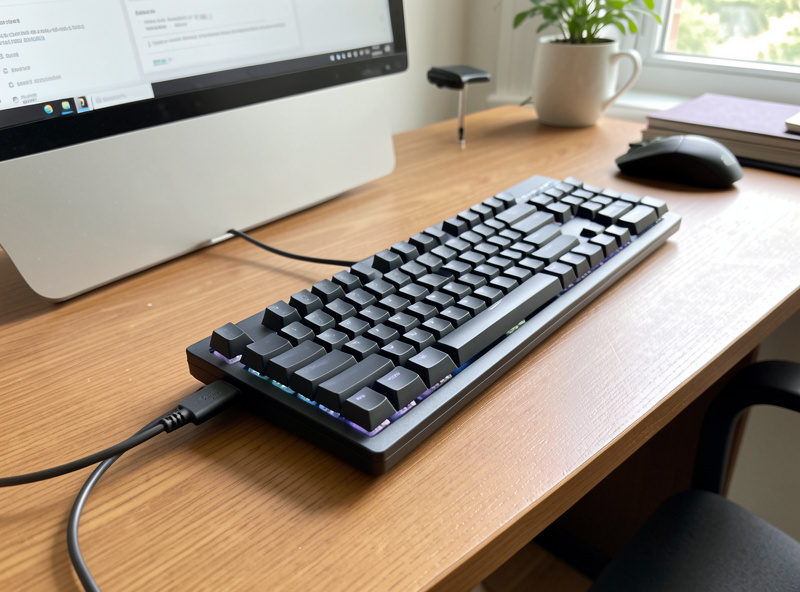
The biggest lever is the backlight — turn it down or off and you’ll often double or triple runtime instantly. Second, use Bluetooth when you don’t need 2.4GHz’s low latency; for office work the latency is irrelevant, so there’s no reason to pay for it in battery. Third, set a short sleep timeout so the board powers down quickly when idle. Fourth, just run it wired over USB-C during long desk sessions — it charges while you type, so you start every untethered stretch full.
None of these touch typing feel, which is the point: battery management and typing quality are separate concerns. Spend your settings effort on battery and your bench hour on stabilizer tuning and switch lubing — that’s the split that gives you a board that lasts between charges and feels great while it does.
Low-profile and AA boards are different
Two categories break the pattern. Low-profile boards have thinner cases that hold smaller cells, so even with conservative settings their absolute runtime is lower — the trade you accept for portability. And boards with replaceable AA/AAA trays don’t have a runtime number in the same sense; you swap cells instead of charging, and rechargeable NiMH AAs make that cheap. If never being tied to a charging cable matters more than absolute hours, that’s a real argument — I weigh it fully in charging vs swappable batteries.
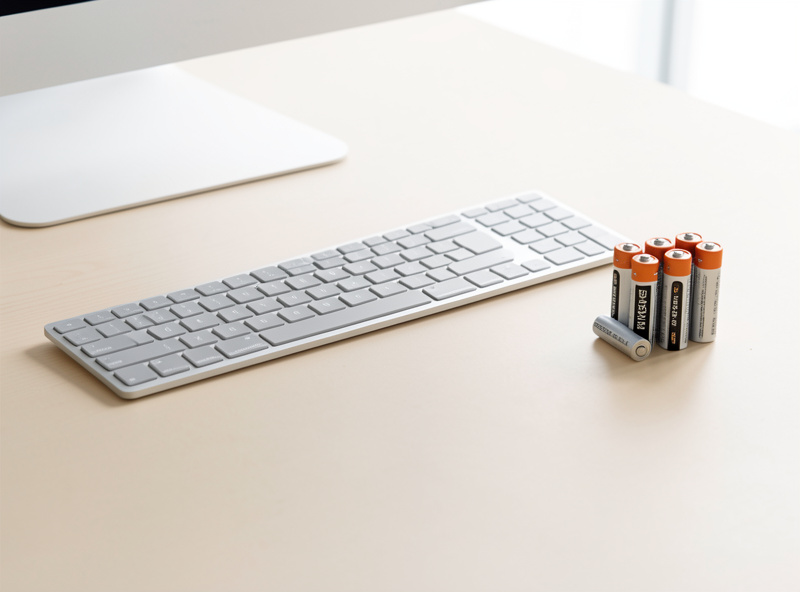
For shopping by role, the best wireless keyboards 2026 roundup flags which picks prioritize battery, and the gaming vs office comparison explains why office boards win on runtime while gaming boards trade it away.
Battery health over the years
One thing the runtime conversation skips: a lithium cell doesn’t just discharge, it ages. Every full charge cycle slightly reduces maximum capacity, so a board that ran two weeks per charge when new may run noticeably less after a few years of daily cycling. You can slow this — avoid letting it sit at empty for long, keep it cool, and topping up before it hits zero is gentler than deep-draining it every time. Running wired at the desk and only going wireless when you move the board means fewer full cycles and a cell that holds up longer.
This is the quiet argument for boards with a swappable cell or AA tray: when the battery fades, you replace the battery instead of the board. On a sealed board, the cell’s lifespan effectively caps the board’s useful life unless you’re comfortable opening it up. It’s worth weighing if you plan to keep a board for many years — the full trade-off is in charging vs swappable batteries.
Frequently Asked Questions
How long does a wireless mechanical keyboard battery really last?
With the backlight off on Bluetooth, two to four weeks of office use is typical; on 2.4GHz, one to three weeks. Turn on full per-key RGB and it drops to days. The advertised figure is the best case — Bluetooth, lights off — which most people never run.
What drains a wireless keyboard battery the most?
The backlight by far, especially per-key RGB at full brightness. The radio is second — 2.4GHz at 1000Hz draws more than Bluetooth. The switches and idle controller are negligible. Turn the lights down and you’ll often double or triple runtime instantly.
Why is my battery life so much worse than advertised?
Because the advertised number is measured on Bluetooth with the backlight off and a low poll rate. If you run RGB on the 2.4GHz dongle, you’re in a far higher-drain mode. Lower the brightness and use Bluetooth when latency doesn’t matter to close the gap.
Does RGB lighting really matter that much for battery?
Yes, it’s the single biggest drain. Per-key RGB at full brightness can take a board from weeks of runtime to a few days. If battery life matters to you, run the lights low or off — it costs nothing and multiplies your time between charges.
Should I just use my wireless keyboard plugged in?
You can, and it’s a fine strategy — running wired over USB-C charges the cell while you type, so you start every untethered session full. Many people keep the board wired at the desk and only go wireless when they move it, getting the best of both.