This information is for educational purposes. Keyboard work involves small parts, soldering irons, and electronics — work in a ventilated space when soldering, unplug boards before opening them, and modding a board may void its warranty. When in doubt, check the manufacturer's documentation first.
For a first custom keyboard, a barebones kit is the better choice over a prebuilt: it ships the case, plate, and PCB assembled but lets you install the switches and keycaps yourself in about 30 minutes — the exact step that teaches you the board. A prebuilt arrives typing-ready but locks you into the maker’s switch choice and costs more.
I’ve gone both routes across the boards in my drawer, and the honest verdict is that the gap is smaller than the internet makes it sound — but for a first board, barebones wins on learning and value. Here’s what each path actually means, who each one is for, and why “prebuilt” isn’t the trap some builders claim it is.
What Is a Barebones Keyboard Kit?
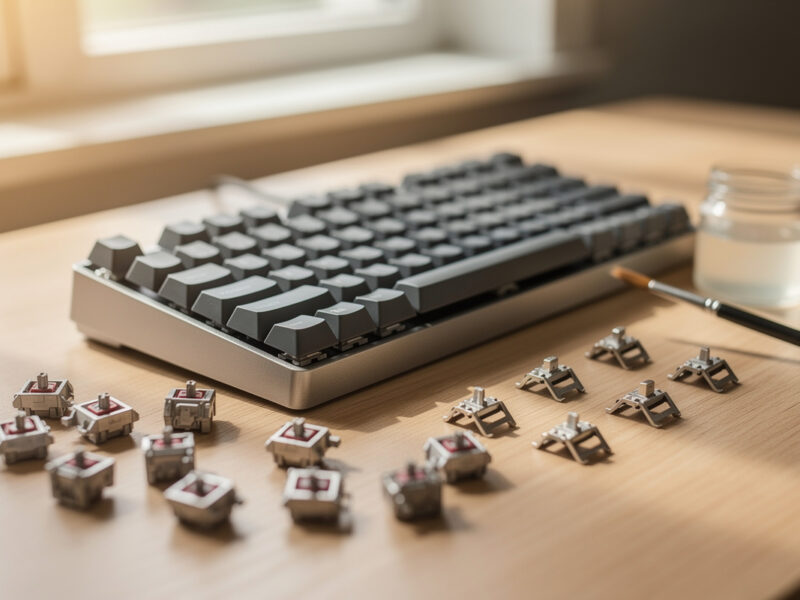
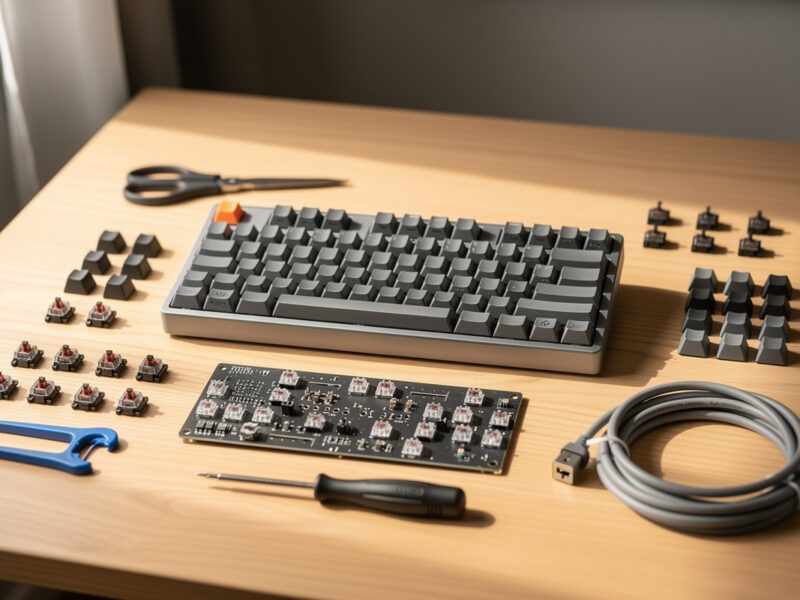
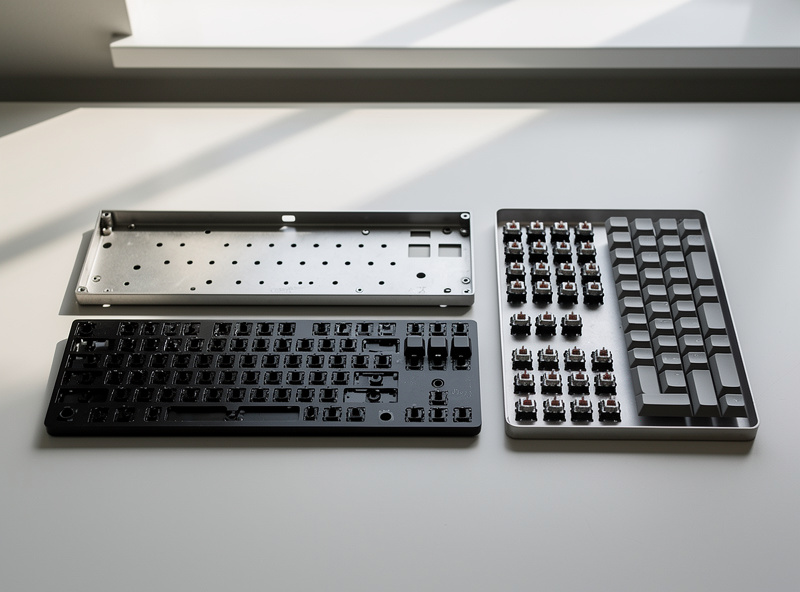
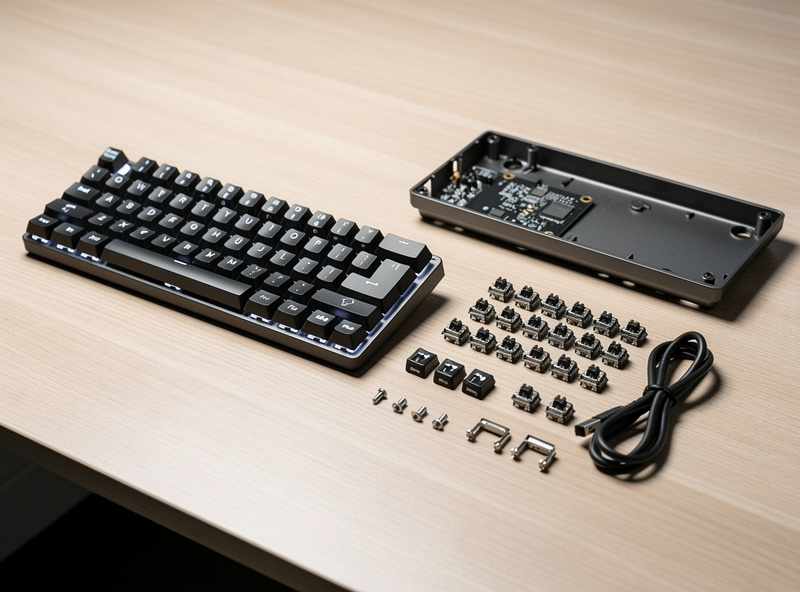
A barebones kit is a keyboard with everything except switches and keycaps. You get the case, the plate, the PCB (usually hotswap), and stock stabilizers — then you add a 90-pack of switches and a keycap set yourself. Assembly takes roughly 30 minutes and needs no tools beyond a switch puller.
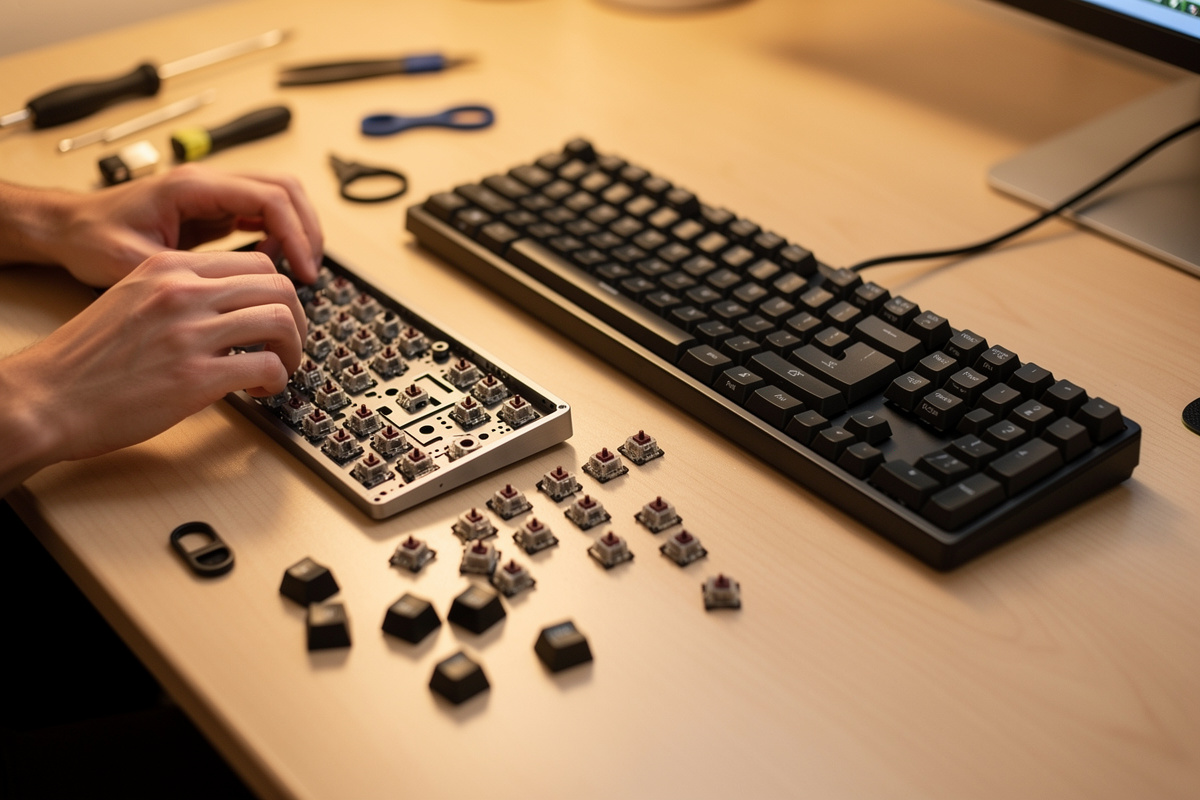
The reason barebones exists is that switches and caps are the most personal parts of a keyboard, so makers leave them to you. That’s also why it’s the better teacher: pressing each switch into its socket, capping the board, and remapping it in VIA is the hands-on loop that turns “I watched a video” into “I understand how this thing goes together.” On my first hotswap barebones build I learned more in that half hour than in weeks of reading, simply because I had the board in pieces in front of me.
What Is a Prebuilt Custom Keyboard?
A prebuilt is a custom keyboard that ships fully assembled — switches installed, caps on, ready to type the moment you plug it in. Many good prebuilts are still hotswap, so you can change switches later, but you start with whatever the maker chose and you pay a premium for the assembly labor.
Prebuilts are genuinely fine for the right person. If you want a board that feels like a custom but you have zero interest in assembling anything, a reputable hotswap prebuilt with decent stock switches gets you 80% of the experience with none of the work. The catch is twofold: you rarely love the maker’s switch pick on the first try, and you’ve spent money on labor you could have done for free in half an hour. For someone whose curiosity is the whole reason they’re here, that’s a strange thing to outsource.
Barebones vs Prebuilt: The Honest Trade-offs
The decision comes down to three things: how much you want to do it yourself, your budget, and whether you trust someone else’s switch choice. Barebones wins on cost and learning; prebuilt wins on convenience and instant gratification. Both can be hotswap, so both can be modified later.
| Factor | Barebones kit | Prebuilt |
|---|---|---|
| Arrives ready to type | No — ~30 min assembly | Yes |
| Switch choice | Yours | Maker’s pick |
| Cost for same board | Lower | Higher (labor included) |
| Teaches you the board | Yes | Not really |
| Modifiable later (if hotswap) | Yes | Yes |
| Best for | Curious first builders | Plug-and-play buyers |
Which Should a Beginner Actually Buy?
If you’re reading a guide about building your first custom keyboard, buy barebones. The 30 minutes of assembly is the part you came for, it saves you money, and picking your own switches is how you start forming the preferences that make this hobby worthwhile. The only reason to choose a prebuilt is if assembly genuinely holds zero appeal.
I’ll be blunt about the self-selection here: people who want a prebuilt usually aren’t reading build guides, they’re buying a nice keyboard. There’s nothing wrong with that, but if you’ve gotten this far, you want to do it yourself — so do. Get a hotswap barebones board, a switch 90-pack, and a PBT set, and spend the half hour. If it turns out you hate assembling things, you’ll know after one board, and a prebuilt is always there as plan B.
When a Prebuilt Genuinely Makes Sense
There are real cases where I’d point someone to a prebuilt over a barebones kit. If the keyboard is a gift for someone who won’t assemble it, if you need a working board today with no learning curve, or if you physically can’t do fine assembly comfortably, a hotswap prebuilt is the right call. Convenience is a legitimate thing to pay for.
The trick is to buy a prebuilt that’s still hotswap, so the convenience now doesn’t cost you the flexibility later. A sealed prebuilt with soldered switches is the worst of both worlds — you paid the assembly premium and you can’t change anything, not even a rattly stabilizer you’d otherwise fix in minutes. A hotswap prebuilt at least keeps the door open: type on it as-is, and if you catch the bug six months later, you can pull the stock switches and start tuning without an iron — and the first thing most people tune is the stabilizers anyway. That’s the version of “prebuilt” I’d actually recommend, and it sidesteps the one downside that bites hardest.
The Hidden Cost of Prebuilt: Switch Regret
The quiet downside of prebuilts is switch regret. The maker picks one switch for the whole batch, and switch feel is intensely personal — what they chose as a “safe” linear might feel mushy or too light to you. On a hotswap prebuilt you can swap them, but then you’ve paid for switches you immediately replaced.
This is exactly why barebones makes sense for a first board: you choose the switch up front, and if you’re unsure, a few-dollar switch tester lets you shop a feel before committing to a 90-pack. I’ve pulled the stock switches out of more than one board because they weren’t for me — it’s no tragedy with hotswap, but it is wasted money you can avoid entirely by starting barebones and choosing for yourself. The switch is the one part you should never let someone else decide.
Frequently Asked Questions
Is a barebones or prebuilt keyboard better for beginners?
Barebones, for most beginners reading a build guide. Assembly takes about 30 minutes, costs less, and lets you pick your own switches. Choose a prebuilt only if you have zero interest in assembling the board yourself.
What comes in a barebones keyboard kit?
The case, plate, PCB (usually hotswap), and stock stabilizers. It does not include switches or keycaps. You add a switch 90-pack and a keycap set yourself, which takes roughly 30 minutes with just a switch puller.
Can you change switches on a prebuilt keyboard?
Only if the prebuilt is hotswap. Many are, so you can swap switches by hand later. But you will have paid for the maker’s stock switches first, which is wasted money if you immediately replace them.
Is a prebuilt custom keyboard worth it?
For plug-and-play buyers, yes. You get most of the custom feel with no assembly. The downsides are a higher price for the labor and being stuck with the maker’s switch choice unless the board is hotswap.
How long does it take to build a barebones keyboard?
About 30 minutes for a hotswap barebones board. You seat each switch into its socket by hand, clip on the keycaps, plug it in, and remap anything you want in VIA. No soldering or special tools required.
Does barebones save money over a prebuilt?
Yes. A prebuilt includes assembly labor in its price. Buying the same board barebones and adding your own switches and caps costs less and gives you control over the parts you will actually feel.
As an Amazon Associate I earn from qualifying purchases.