This information is for educational purposes. Keyboard work involves small parts, soldering irons, and electronics — work in a ventilated space when soldering, unplug boards before opening them, and modding a board may void its warranty. When in doubt, check the manufacturer's documentation first.
Linear vs tactile vs clicky is the first real decision in mechanical keyboards, and the honest answer is that it comes down to one question: do you want feedback on the way down, and if so, do you want to hear it? Linears are smooth with no bump (typically 45-50g actuation), tactiles have a bump you feel at the actuation point (often 55-67g), and clickies add an audible click on top of that bump. Everything else is preference and marketing.
I have filled drawers with all three, lubed half of them, and recorded the same switch stock and tuned on the same mic at the same distance. The biggest thing I have learned is that people choose the wrong family for the wrong reasons — they pick “clicky because it looks cool in videos,” buy a board, and discover their roommate wants to kill them by week two. This is the build-honest breakdown of what each family actually feels like to live with, not what the box copy promises.
What Is the Real Difference Between Linear, Tactile, and Clicky?
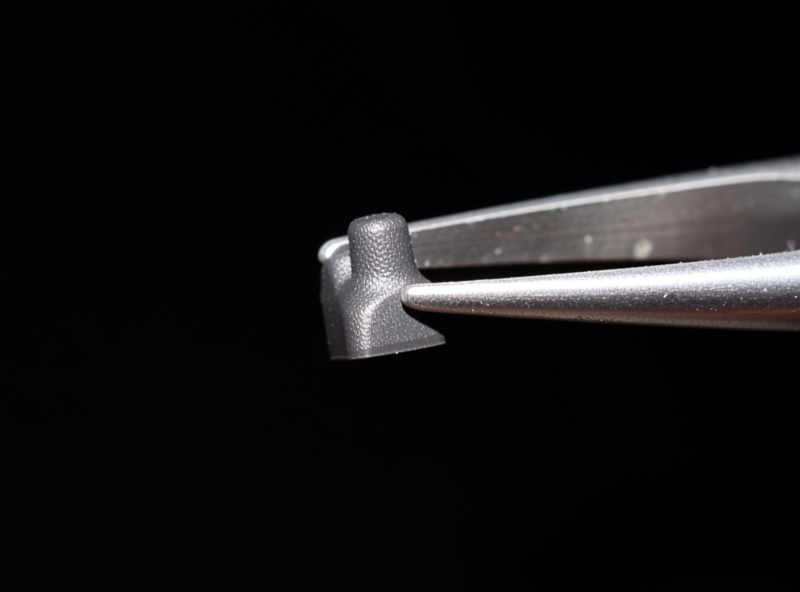
The difference is entirely in the stem and click mechanism, not the spring. A linear stem is smooth so the keypress is one continuous ramp of spring force. A tactile stem has a bump that deforms the contact leaf partway down, which your finger feels as a “click” of resistance. A clicky switch adds a separate moving part — a click jacket or click bar — that makes the audible click on top of the tactile bump.
Once you understand that the stem does the feel and the spring does the weight, the families stop being mysterious. A 45g linear and a 45g tactile take the same force to press; they just feel different because one has a bump and one does not. A clicky is a tactile with a noisemaker attached. That is genuinely the whole taxonomy — and it means you can mix and match: you can have a light tactile, a heavy linear, a clicky at almost any weight, because the family and the spring are independent choices.
What Do Linear Switches Feel Like?
Linear switches feel like a smooth, uninterrupted slide from the top of the key to the bottom, with the only resistance being the spring getting progressively firmer. There is no bump, no click, no event — just travel. Common linears actuate around 45-50g and bottom out around 55-65g. They are the default for gaming and for anyone who plans to lube their switches, because a smooth switch lubes to glass with no bump to protect.

On my daily driver I run lubed linears, and the appeal is exactly that nothing interrupts the keypress — it is quiet, consistent, and forgiving of a fast typing rhythm. The downside is that without a bump, light linears (the 35-45g featherweights) are easy to mistype on if you rest your fingers heavily, because there is no feedback telling you where actuation is. If you are a heavy bottom-out typist like me, that is a non-issue; if you float and tap lightly, a tactile may save you typos.
What Do Tactile Switches Feel Like?
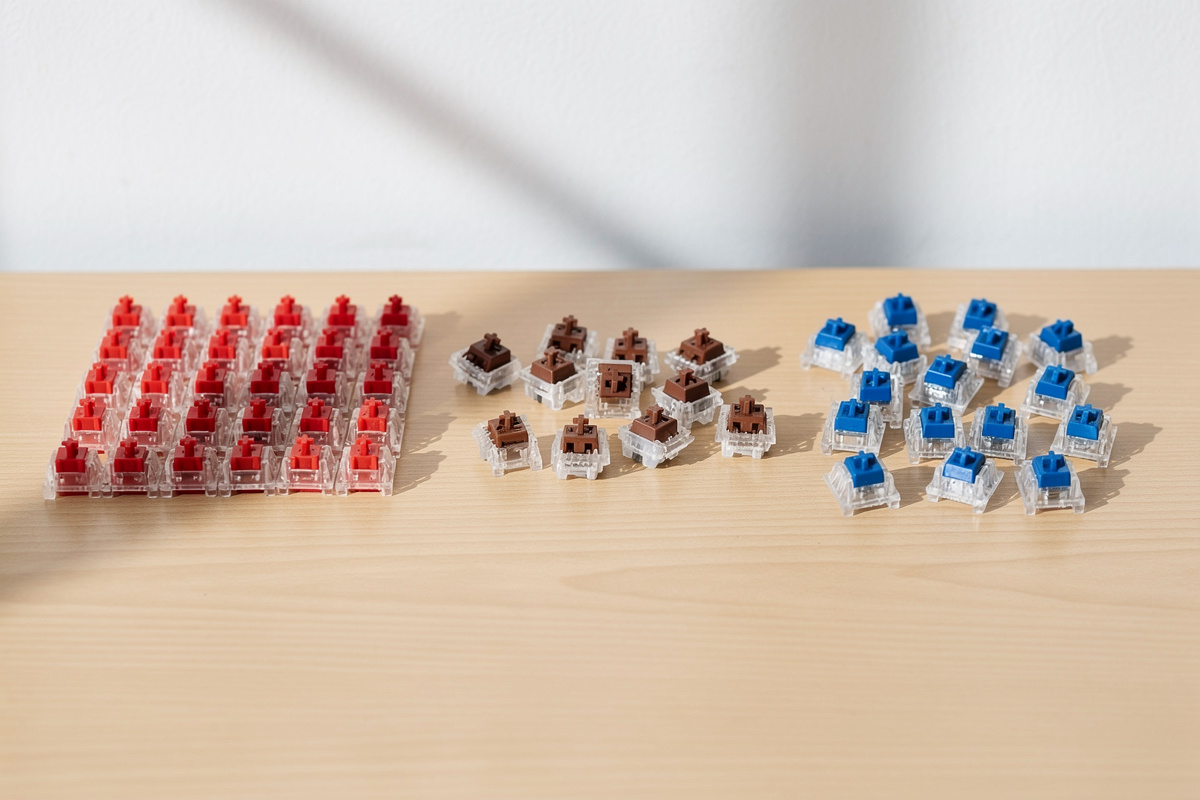
Tactile switches give a distinct bump partway down the keypress, right around the actuation point, so your finger gets confirmation that the key registered without having to bottom out. The bump size varies enormously: a Cherry-MX-Brown-class tactile has a mild, almost-linear bump at ~45g, while a Holy-Panda-class tactile delivers a sharp, rounded bump at ~60-67g that typists rave about. The spring weight and the bump strength are separate variables.
Tactiles are my pick for long typing sessions where I am not gaming, because the bump lets me type without slamming every key to the bottom, which is easier on the hands over a full day. The risk with tactiles is lube: a thin coat on the rails smooths the scratch, but get grease on the bump and you round it off — the exact opposite of what a tactile is for. I lube my tactiles far more carefully than my linears, leaving the legs that hit the bump dry. A badly-lubed tactile is just a scratchy linear that costs more.
One thing the family labels hide: within tactiles, the bump position matters as much as its strength. A bump that sits right at the top of the stroke (an early bump) feels snappy and confirms before you commit, while a bump pushed down toward the middle feels rounded and can blur into the bottom-out. I have two tactiles in the drawer with nearly identical actuation force on paper that feel like different categories purely because one bumps early and crisp and the other bumps late and soft. This is the variable spec sheets never print and the reason I tell people not to buy a tactile on its gram rating alone. Press it if you possibly can, because “60g tactile” describes a dozen switches that feel nothing alike, and the only way to know which one your finger wants is to feel the bump shape, not read it.
What Do Clicky Switches Feel Like (and Sound Like)?
Clicky switches feel like a tactile — a bump at the actuation point — but add a loud, crisp click each press, produced by a click jacket sliding on the stem or a click bar snapping. A Cherry-MX-Blue-class clicky actuates around 50g. They are the loudest switches by a wide margin, easily heard across a room, which is the entire point and also the entire problem.
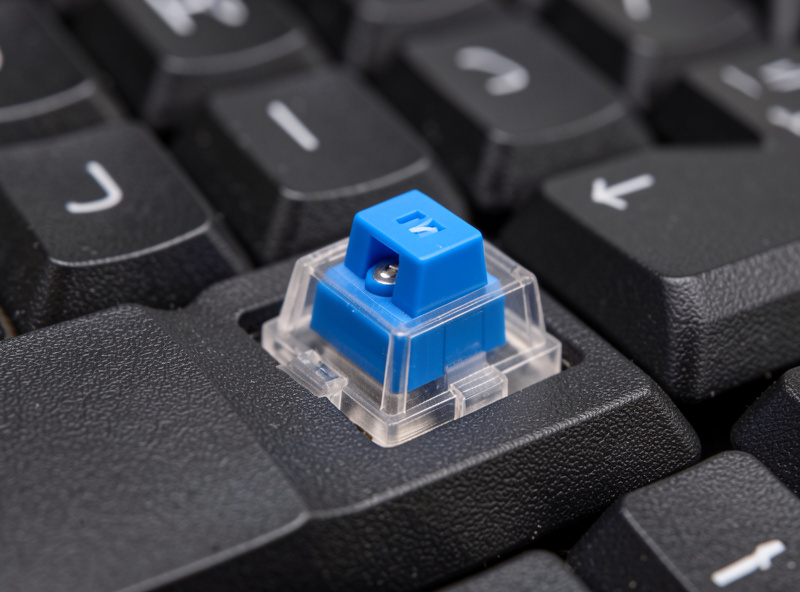
I keep a clicky board around mostly as a novelty, because the honest truth is that clickies are a social decision more than a typing one. They are genuinely satisfying to type on alone. They are also a fast way to make everyone in a shared office or a household quietly resent you, and they record terribly — a clicky on a phone mic sounds like a stapler. If you live alone, love the sound, and never video-call without a mute key, clickies are great. For everyone else, a sharp tactile gives you most of the feedback satisfaction without the noise complaints.
Which Switch Type Should a Beginner Choose?
Beginners should start with a mid-weight linear (around 45-50g) or a mild tactile if they want feedback, and avoid clickies unless they live alone and love noise. The reason is forgiveness: a 45-50g linear suits the widest range of typing styles, and a mild tactile adds confirmation without committing you to a sharp, polarizing bump. Save the 35g featherweights and the 67g heavy tactiles for after you know your own hands.
The mistake I see constantly is beginners buying based on a single trait they read about — “thock,” “speed,” “clicky satisfaction” — instead of buying a switch tester and feeling six options for the price of less than one 90-pack. Feel is personal and no spec sheet predicts it. Press a few, rule out what you hate, then buy a single 90-pack of switches in the family and weight you settled on. If you are still building your first board, the broader picture of how switches fit into the whole build is worth understanding before you spend.
As an Amazon Associate I earn from qualifying purchases.
Linear vs Tactile vs Clicky: Quick Comparison
This is the at-a-glance version. Figures are representative of common stock variants in each class; confirm exact specs against the manufacturer before buying for a precise number.
| Trait | Linear | Tactile | Clicky |
|---|---|---|---|
| Feel | Smooth, no bump | Bump at actuation | Bump + click |
| Typical actuation | ~45-50g | ~45-67g | ~50g |
| Noise | Quietest | Moderate | Loudest |
| Best for | Gaming, lubing | Typing feedback | Solo, sound lovers |
| Lube friendly | Yes, easiest | Carefully only | Rarely worth it |
Frequently Asked Questions
Is linear or tactile better for typing?
Tactile is generally better for typing because the bump confirms the keypress without forcing a full bottom-out, which reduces fatigue and typos for many people. Linears are smoother but give no feedback, so light typists can mistype. It comes down to whether you want confirmation or smoothness.
Are clicky switches good for gaming?
Clicky switches work for gaming but offer no performance advantage and are very loud. Most competitive players prefer light linears for smooth, predictable double-taps. Clickies are a sound preference, not a speed advantage, and the noise is a real downside on voice calls.
Can you make a tactile switch feel linear?
Sort of. Over-lubing a tactile rounds off the bump until it feels nearly linear, but that is usually a mistake rather than a goal. If you want linear feel, buy a linear. Tactiles should be lubed carefully on the rails only, leaving the bump area dry.
Why are clicky switches so loud?
Clicky switches have a dedicated click mechanism, either a jacket that slides on the stem or a click bar that snaps, producing a sharp audible click on every press. This is separate from the tactile bump and is the entire purpose of the design, so the noise cannot be tuned out without changing switches.
What weight is a beginner switch?
A 45 to 50 gram actuation suits most beginners, balancing accidental presses against finger fatigue. Lighter 35 to 40 gram switches feel fast but cause typos for heavy typists, while 60 gram-plus switches reduce typos but tire your hands over long sessions. Start in the middle.